How to add links to your Twitch profile and panels
Go to your Creator Dashboard, then Settings, Channel and the About tab, and add up to 5 links under Social Links with a title and the full web address. For panels under your stream, go to your channel's About section, click Edit Panels, add a panel, and paste your link in the "Image Links To" box so the panel is clickable.
Key points
- Social links live in your Creator Dashboard settings.
- Twitch allows up to 5 social links.
- Panels under your stream can link anywhere when you fill in "Image Links To".
- One link page makes it easy to share everything in one panel.
Twitch gives you two places for links: social links on your channel, and panels under your stream. Panels are where most streamers put the links viewers actually use.
How to add social links on Twitch
- Open your Creator Dashboard.
- Go to Settings, then Channel, then the About tab.
- Find Social Links. Enter a title and the full web address, starting with https://.
- Click Add.
Twitch's help center says you can add up to 5 social links. Twitch also tags your handle when you or your viewers share clips to YouTube or TikTok.
How to make clickable Twitch panels
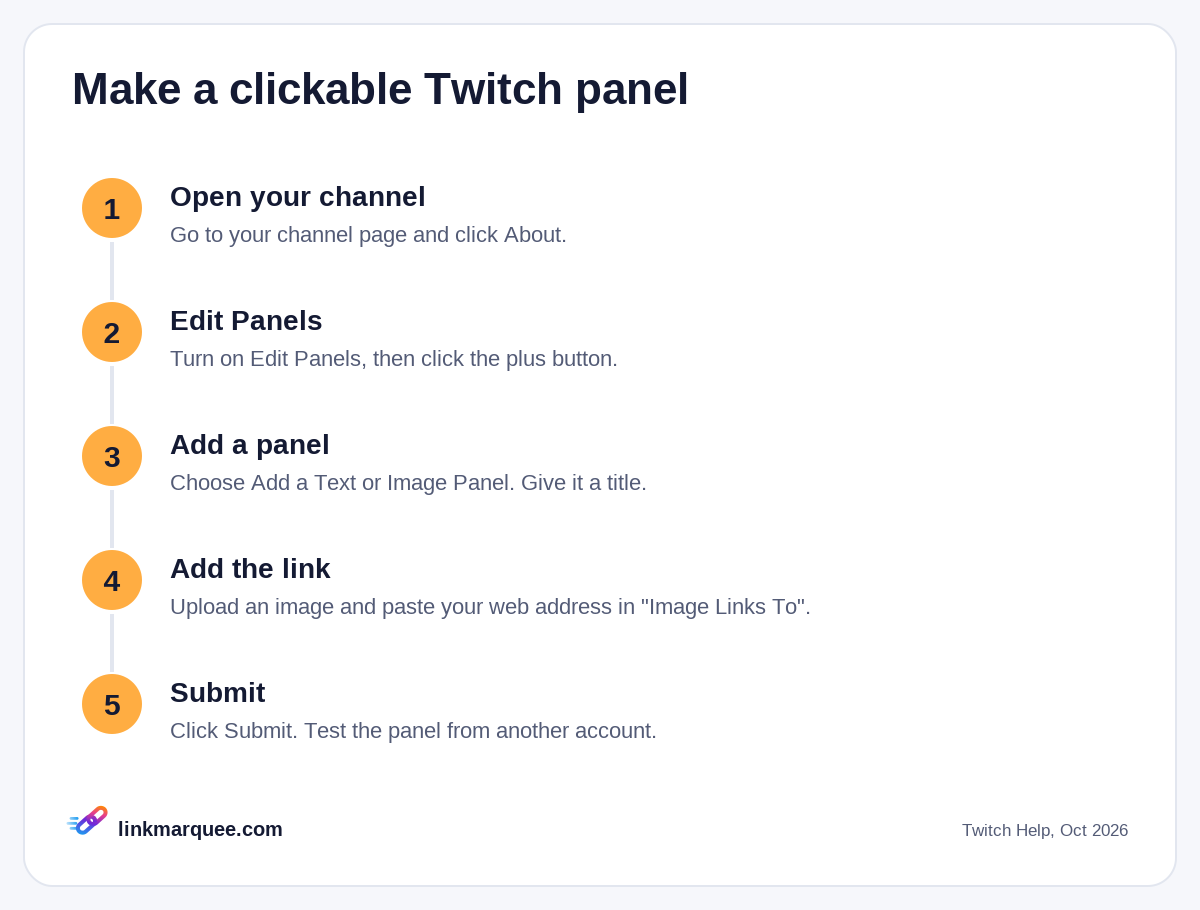
Panels sit under your stream in the About section. Each one can be an image that links somewhere.
- Go to your channel and click About.
- Turn on Edit Panels and click the plus button.
- Choose Add a Text or Image Panel.
- Upload an image. Twitch says images should be under 2.9 MB and no bigger than 320 pixels wide and 300 pixels high.
- Paste your link in Image Links To, then click Submit.
What to link on Twitch
- Your stream schedule
- Your Discord
- Merch and your setup gear
- A tip jar or support page
- Your other socials and YouTube
Instead of making a panel for each one, many streamers make one panel that says "All my links" and points to a link page. It is easier to update between streams.
Make one link that holds everything
Free forever, with unlimited links, videos, tips, bookings and email signups. Put it in every profile.
Claim your linkCommon questions
How many social links can I add on Twitch?
Up to 5, according to Twitch's help center.
How do I make a Twitch panel clickable?
When you add an image panel, paste your web address in the "Image Links To" box.
What size should Twitch panel images be?
Twitch says no bigger than 320 pixels wide and 300 pixels high, and under 2.9 MB.
Keep reading
 How-to guides
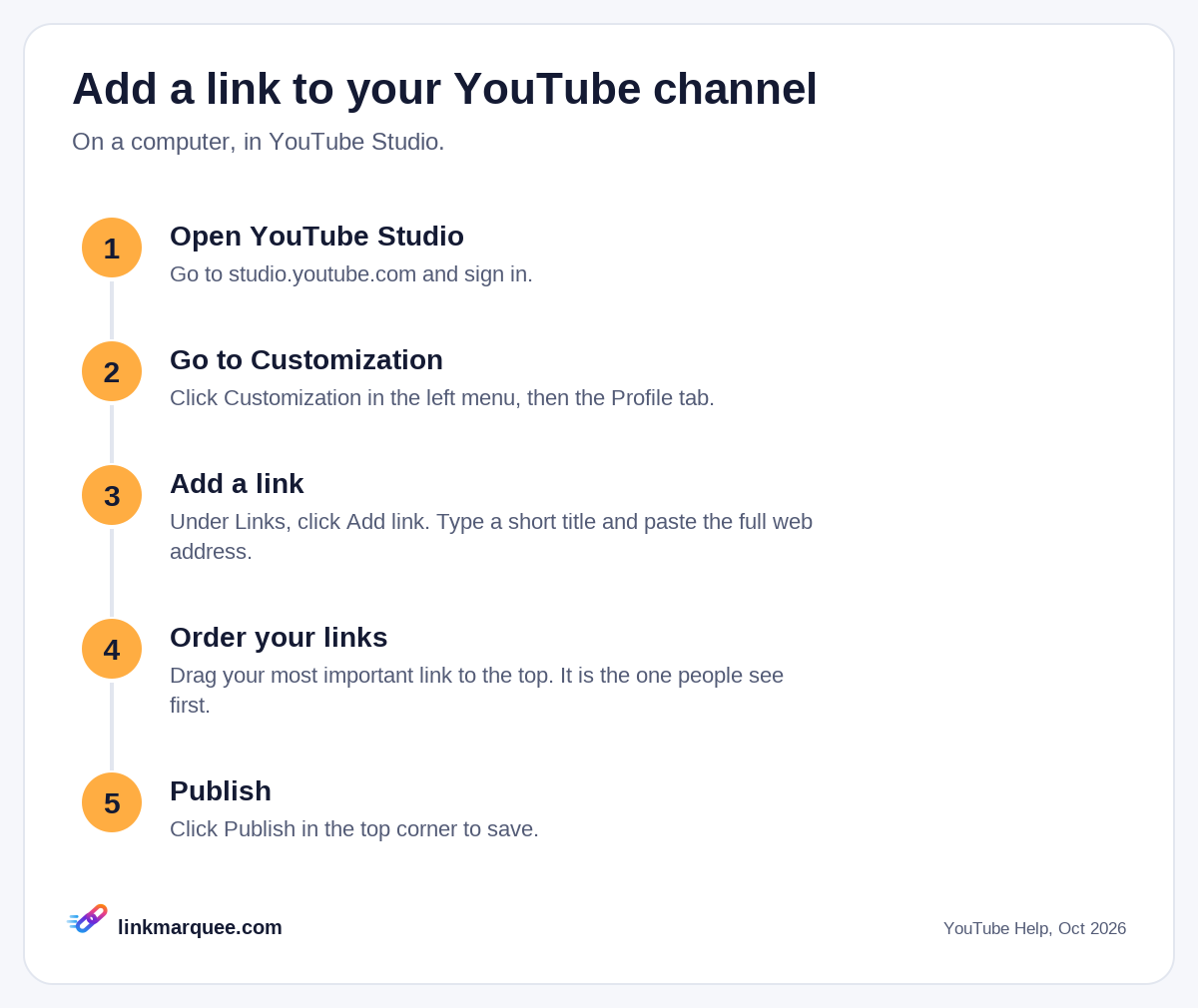
How to add links to your YouTube channel
YouTube lets you add up to 14 links to your channel, and the first one shows next to your name. Here are the steps on desktop and phone.
 Guides by niche
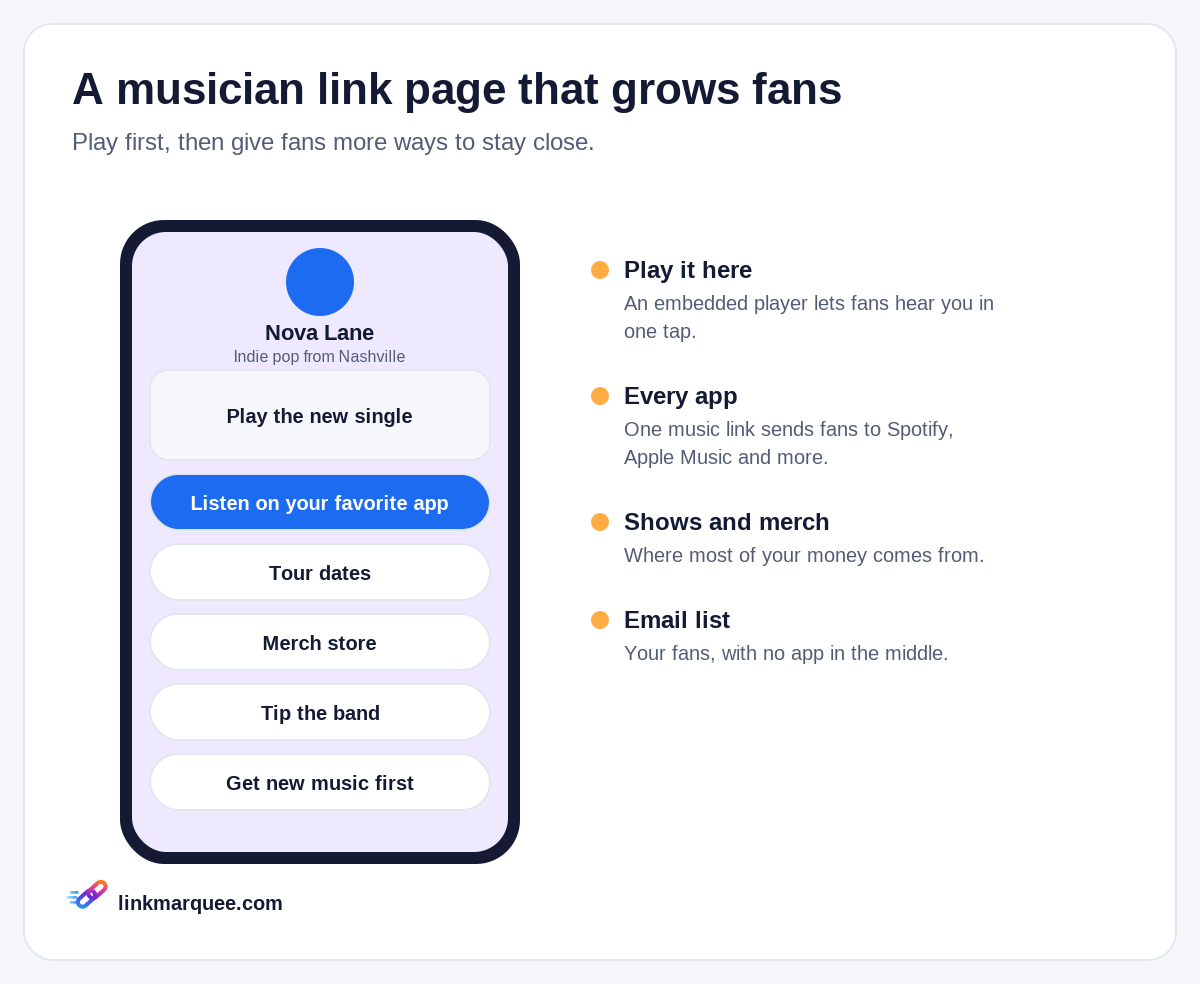
Link in bio for musicians: turn listeners into real fans
Musicians and DJs: set up a link in bio that plays your music, shares one song on every app, sells merch and grows your email list. With a layout you can copy.
 How-to guides
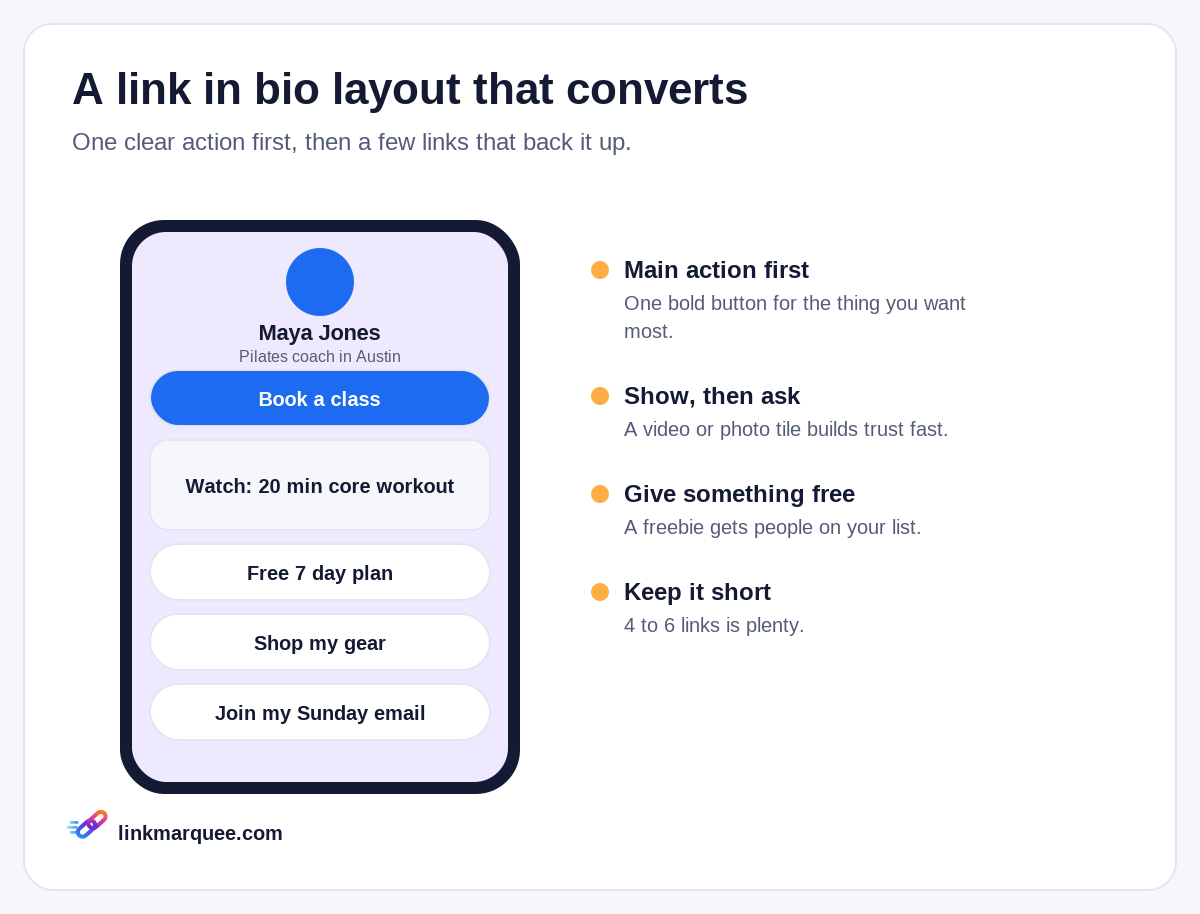
21 link in bio ideas that get more clicks
Not sure what to put in your link in bio? Here are 21 ideas for creators and small businesses, plus a simple layout that turns taps into sales and bookings.