How to add a "Book now" button to Instagram for your business
There are two ways. First, Instagram lets some business accounts add an action button that connects to booking partners. Second, and more flexible, put a link page in your bio with a big "Book now" button at the top. On LinkMarquee, that button opens your Calendly, Acuity, Square or GoHighLevel calendar in a pop-up, so people book without leaving the page.
Key points
- Put the booking button at the very top of your link page.
- A pop-up calendar keeps people on your page, so fewer drop off.
- Show prices or a "starting at" price. People want to know before they book.
- Add reviews and a map link below the booking button.
For a local business, Instagram is often the first place people find you. They see a photo, they like it, and they want to book. If booking takes too many taps, many of them give up.
Here are the two ways to add a "Book now" button, and how to set up a page that fills your calendar.
Option 1: Instagram's action buttons
Instagram lets some business accounts add action buttons to their profile, like "Book" or "Reserve." These connect to booking partners that work with Instagram.
To check if you have it, go to Edit profile and look for Action buttons or Contact options. What you see depends on your account type and where you live.
Good: the button sits right on your profile.
Not so good: it only works with certain booking apps, and you can only have one.
Option 2: A link page with a booking pop-up
This works with almost any booking app, and it lets you show more than one thing.
- Make a free link page.
- Add a main button and set it to Book an appointment.
- Paste your booking link from Calendly, Acuity, Square, Cal.com or GoHighLevel.
- Put the link page in your Instagram bio.
On LinkMarquee, the booking calendar opens in a pop-up on your page, so people pick a time without leaving. (A few booking sites do not allow pop-ups. Those open in a new tab instead.) If you do not use a booking app yet, you can use our simple request form and we send each request to your email.
A bio page layout that gets bookings
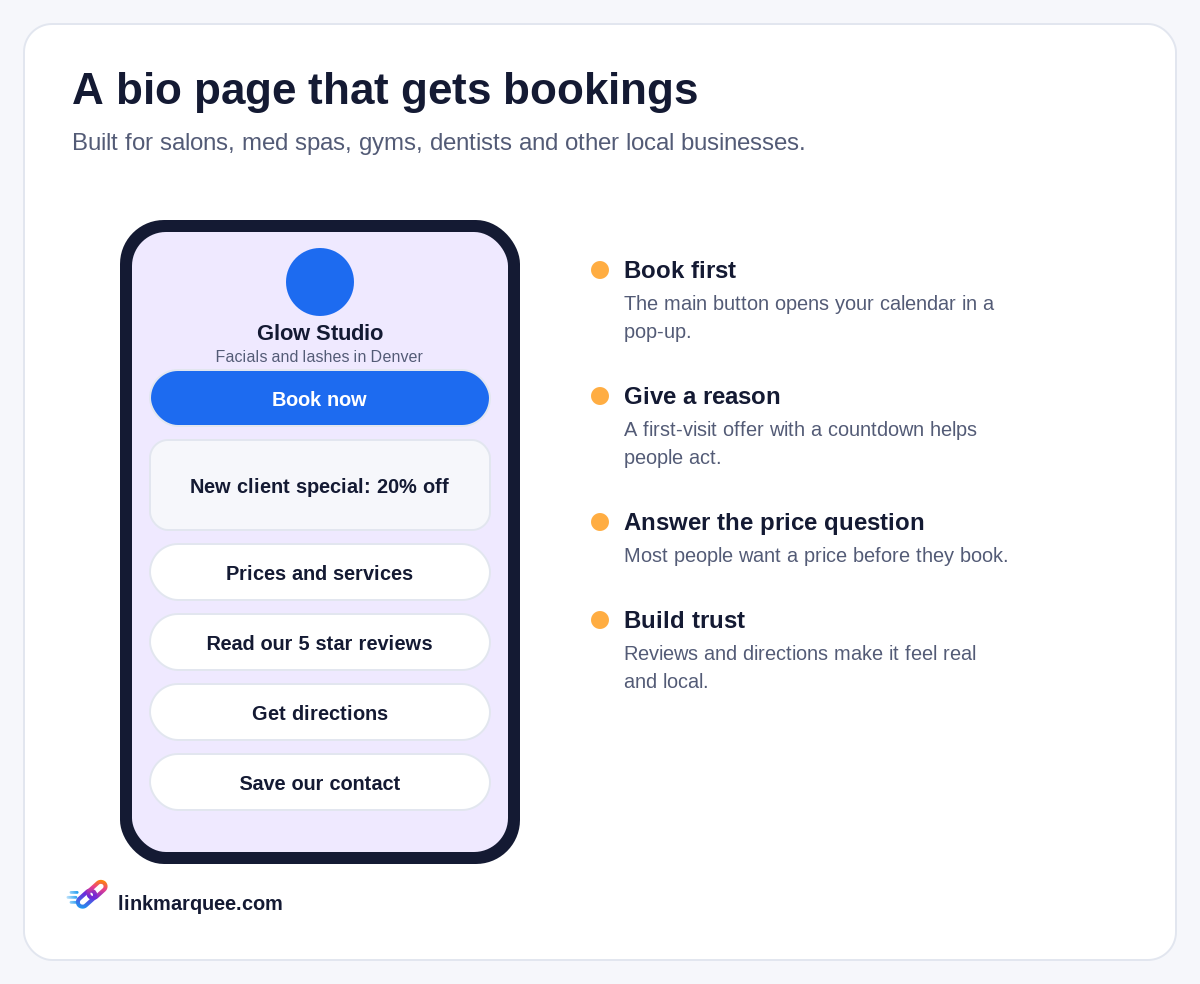
Here is what to put on the page, from top to bottom:
- Book now. One big button. This is the reason the page exists.
- A first-visit offer. Something like "20% off your first facial." A countdown timer helps people act.
- Prices. Even a "starting at" price helps people decide.
- Reviews. Link to your Google reviews or show a few short quotes.
- Directions. A map link for people who want to visit.
- Save my contact. One tap adds your phone number to their phone.
Tips for more Instagram bookings
- Say it in your posts. End captions with "Book in the link in my bio."
- Use stories. Add a link sticker that goes to your booking page.
- Answer DMs fast. Many people ask a question before they book.
- Ask a few questions first. On the Business plan, a short quiz can ask what service they want before they book. You learn who is ready to buy.
Which businesses this works for
This setup works well for salons, barbers, nail studios, med spas, dentists, gyms, personal trainers, tattoo artists, photographers and coaches. We also have ready-made pages for salons, med spas and gyms.
Get more bookings from Instagram
Booking pop-ups are free on every plan. Set up your page in two minutes.
Claim your linkCommon questions
Can I add a book now button to my Instagram profile?
Some business accounts can add action buttons like "Book" that link to booking partners. A link page in your bio works with almost any booking app and lets you add more buttons.
What booking app works with a link in bio?
Most do. LinkMarquee opens Calendly, Acuity, Square, Cal.com and GoHighLevel calendars in a pop-up, or in a new tab if a booking site does not allow pop-ups. You can also use our free request form.
Is it free to add booking to my link page?
Yes. Booking and quote request buttons are free on every LinkMarquee plan.
How do I get more bookings from Instagram?
Put the booking button first, show prices, add reviews, and remind people in every post and story where to book.
Keep reading
 How-to guides
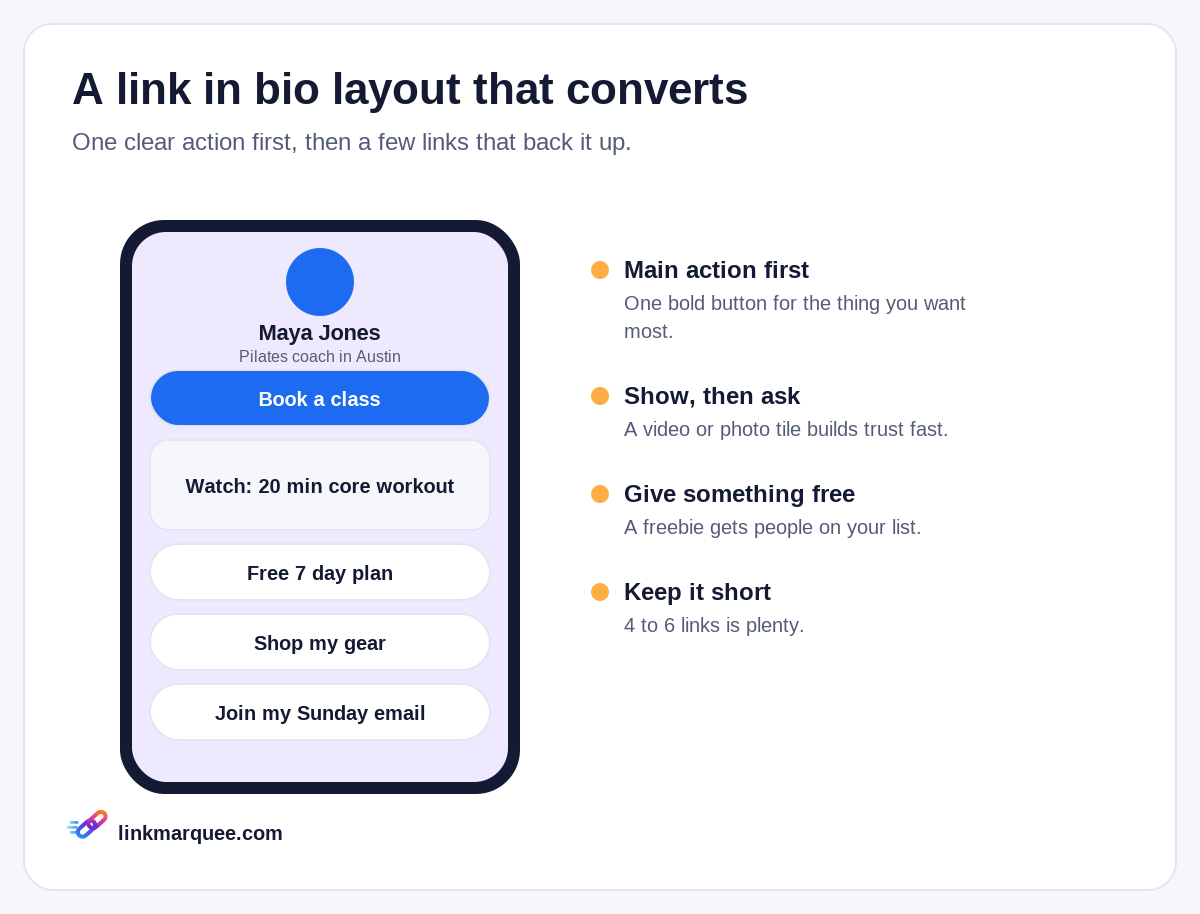
21 link in bio ideas that get more clicks
Not sure what to put in your link in bio? Here are 21 ideas for creators and small businesses, plus a simple layout that turns taps into sales and bookings.
 Guides by niche
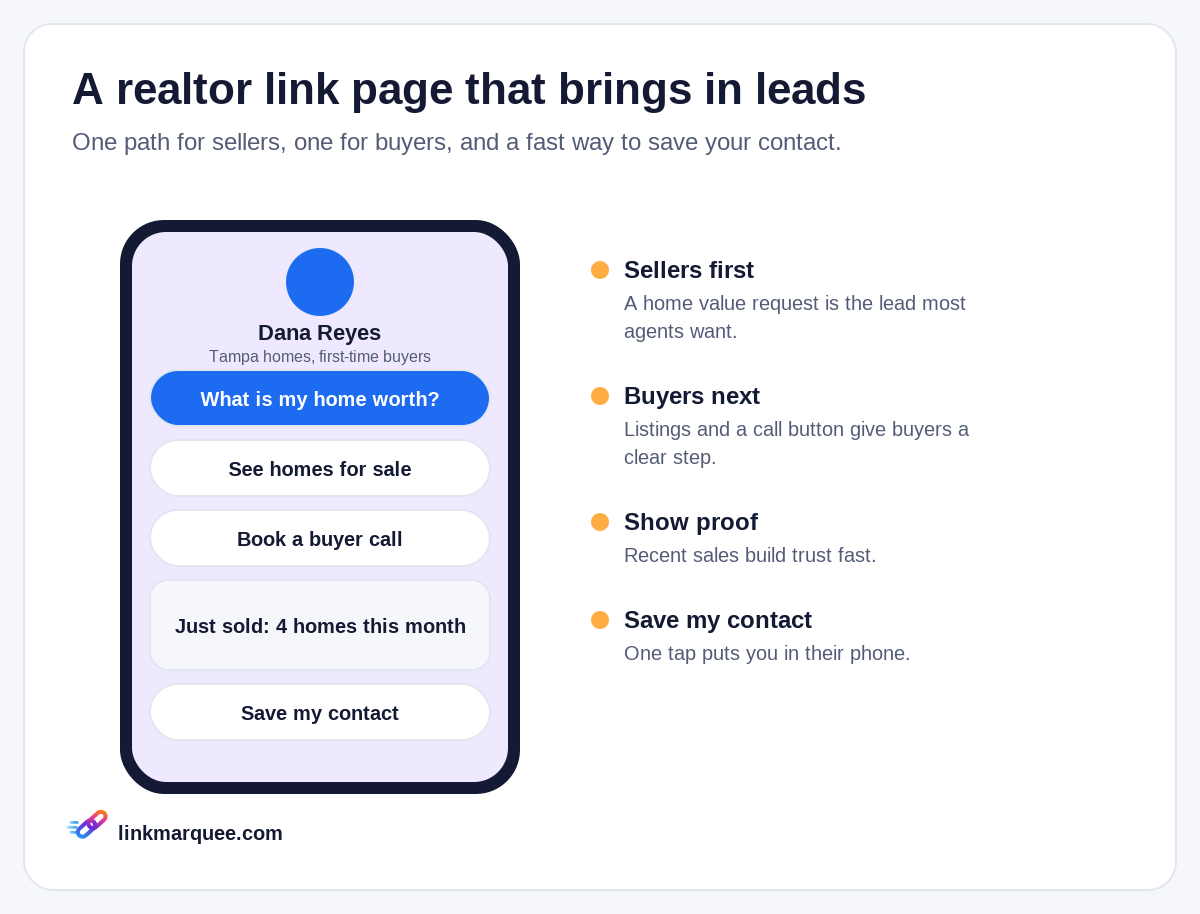
Instagram bio ideas for realtors that bring in real leads
Real estate agents: here is what to write in your Instagram bio, what to put in your link, and how to get buyer and seller leads sent straight to your CRM.
 How-to guides
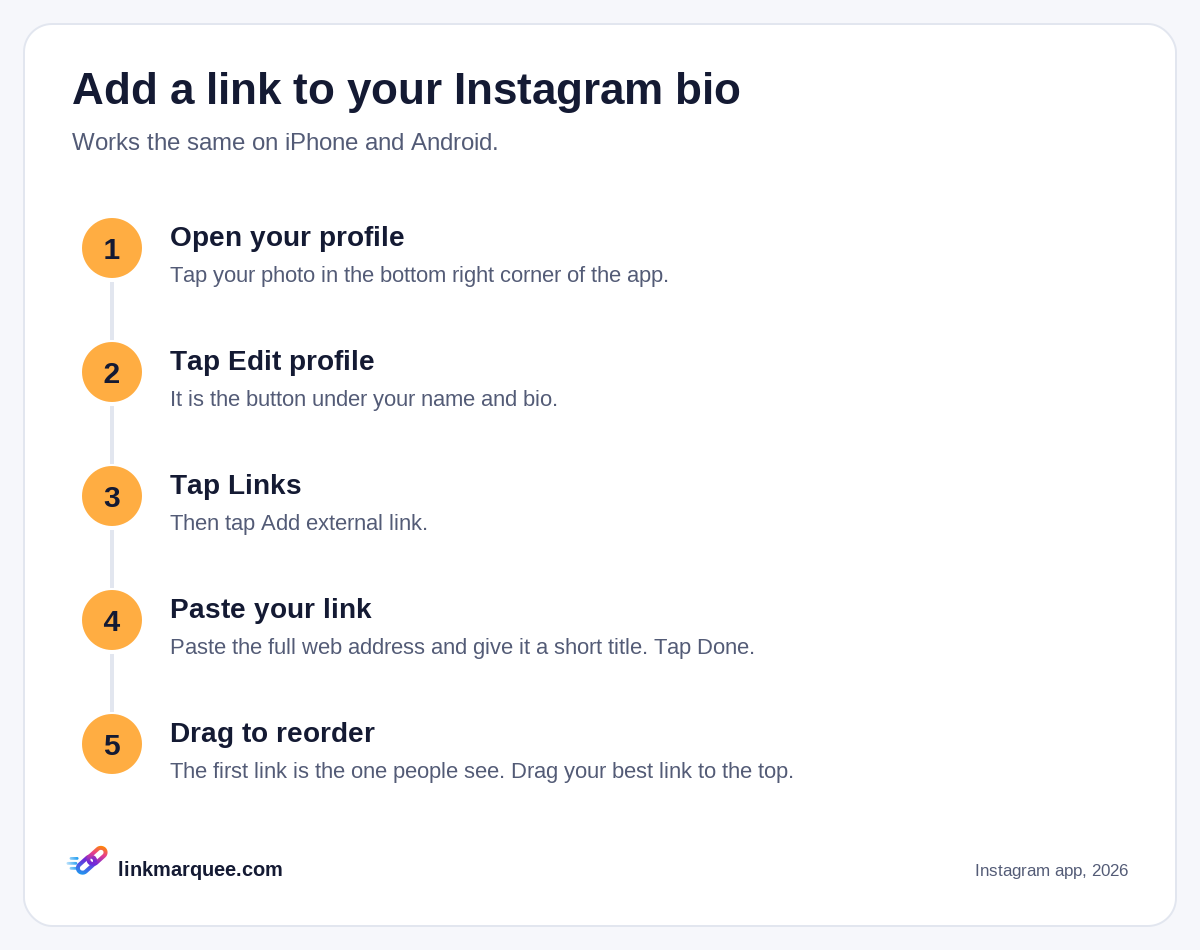
How to add multiple links to your Instagram bio
Instagram lets you add up to 5 links to your bio. Here are the exact steps, why only the first link shows, and how one link page gives you room for everything.