How to add multiple links to your Instagram bio
Open your profile, tap Edit profile, tap Links, then tap Add external link. Paste the web address, add a title and tap Done. Instagram lets you add up to 5 links, but only the first one shows on your profile. Most people use one link page, like LinkMarquee, as the first link so every link is one tap away.
Key points
- Instagram allows up to 5 links in your bio. This started in April 2023.
- Only the first link shows on your profile. People must tap again to see the rest.
- Put your most important link first, or use one link page that holds everything.
- Links in captions and comments are not clickable. Only bio links work.
For years, Instagram let you add only one link to your bio. That is why "link in bio" tools became so popular. In April 2023, Instagram started letting people add up to 5 links.
So why do most people still use a link page? Here is how the 5 links work, the exact steps to add them, and the trick that gets more people to tap.
How to add a link to your Instagram bio
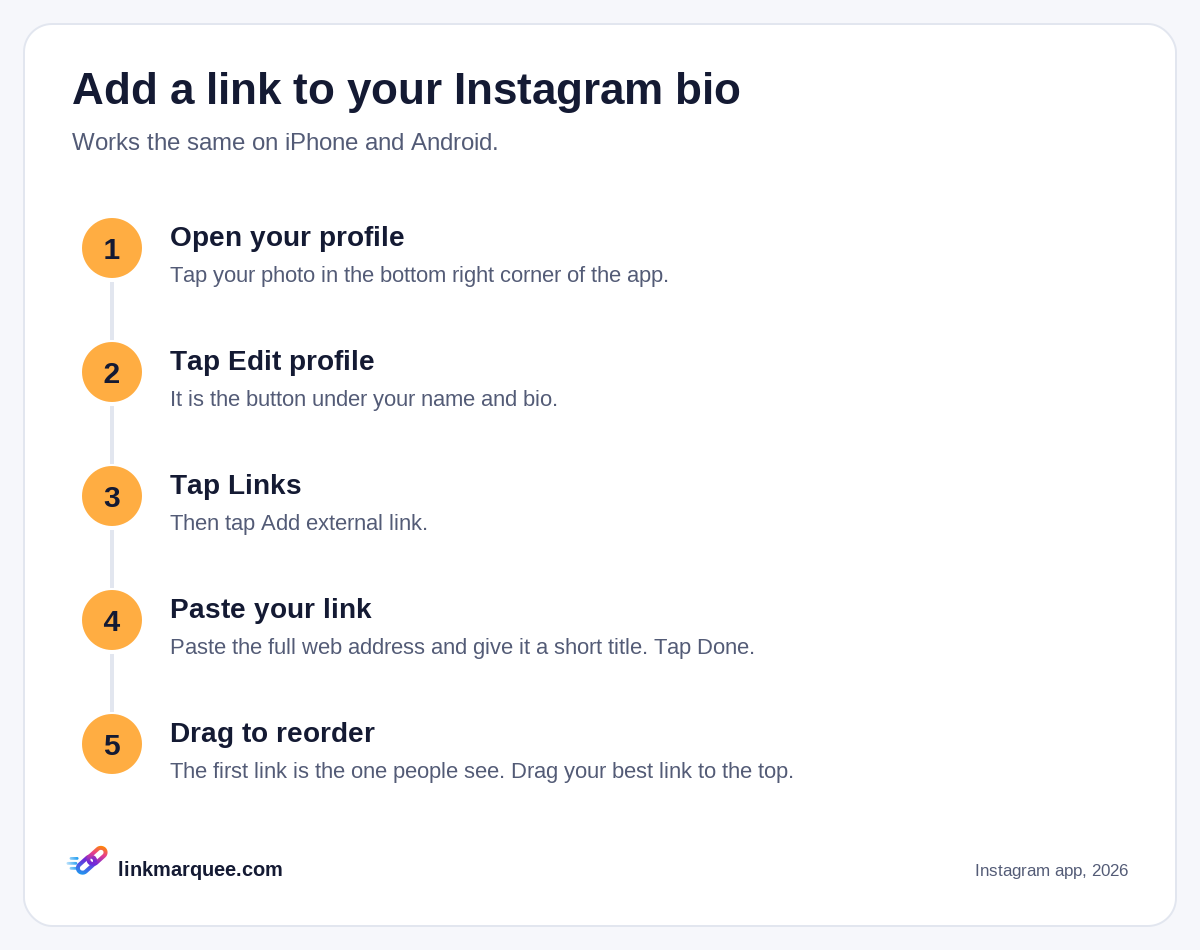
- Open the Instagram app and tap your photo in the bottom right.
- Tap Edit profile.
- Tap Links, then tap Add external link.
- Paste the full web address, like https://linkmarquee.com/yourname.
- Type a short title, like "Shop" or "Book a class." Tap Done.
To add more, tap Add external link again. You can add up to 5.
Why only one link shows on your profile
Here is the catch. When you add more than one link, your profile shows the first link, plus a note like "and 2 more." People have to tap that note to see the other links.
Most people will not make that extra tap. So your first link gets almost all of the clicks.
Tip: Drag your most important link to the top. Hold the three lines next to a link and move it up.
The better way: one link that holds everything
Instead of 5 links that people may never see, many creators and businesses use one link page. It shows all your links on one screen, with your photo and name at the top.
A good link page can also:
- Play your latest video or song right on the page.
- Let people book, buy or tip without leaving.
- Collect email addresses.
- Show you which links get the most taps.
You put that one link first in your Instagram bio. Then you can still add up to 4 more links, like your website or your shop, if you want.
Why is my Instagram bio link not clickable?
If your link does not work, check these things:
- Did you add it in the right place? Links typed into the bio text are not clickable. Add them under Links.
- Is the address complete? Paste the full address, starting with https://.
- Is the site blocked? Instagram blocks some sites it thinks are spam. Try a different link to test.
- Did you just change it? Give it a few minutes, then close and open the app.
What to put in your Instagram bio link
Your link should match what you post about. Here are a few simple ideas:
- Creators: your newest video, your shop and a way to join your email list.
- Local businesses: a "Book now" button, your menu or price list, and your address.
- Coaches: a free guide, a booking link and your best client story.
For more ideas, see our list of link in bio ideas that get more clicks.
Make your link in bio in two minutes
Free forever, with unlimited links, bookings, tips and email signups. No credit card needed.
Claim your linkCommon questions
How many links can you put in your Instagram bio?
Up to 5. Instagram added this in April 2023. Only the first link shows on your profile, and people tap to see the rest.
Why can I only see one link in my Instagram bio?
Instagram shows your first link on your profile and hides the others behind a small "and more" note. Move your most important link to the top.
Can I put a link in an Instagram caption?
You can type it, but it will not be clickable. That is why people say "link in bio." Only bio links and some story stickers can be tapped.
Is a link in bio page free?
Yes. LinkMarquee has a free forever plan with unlimited links, embeds, tips and email signups.
Keep reading
 How-to guides
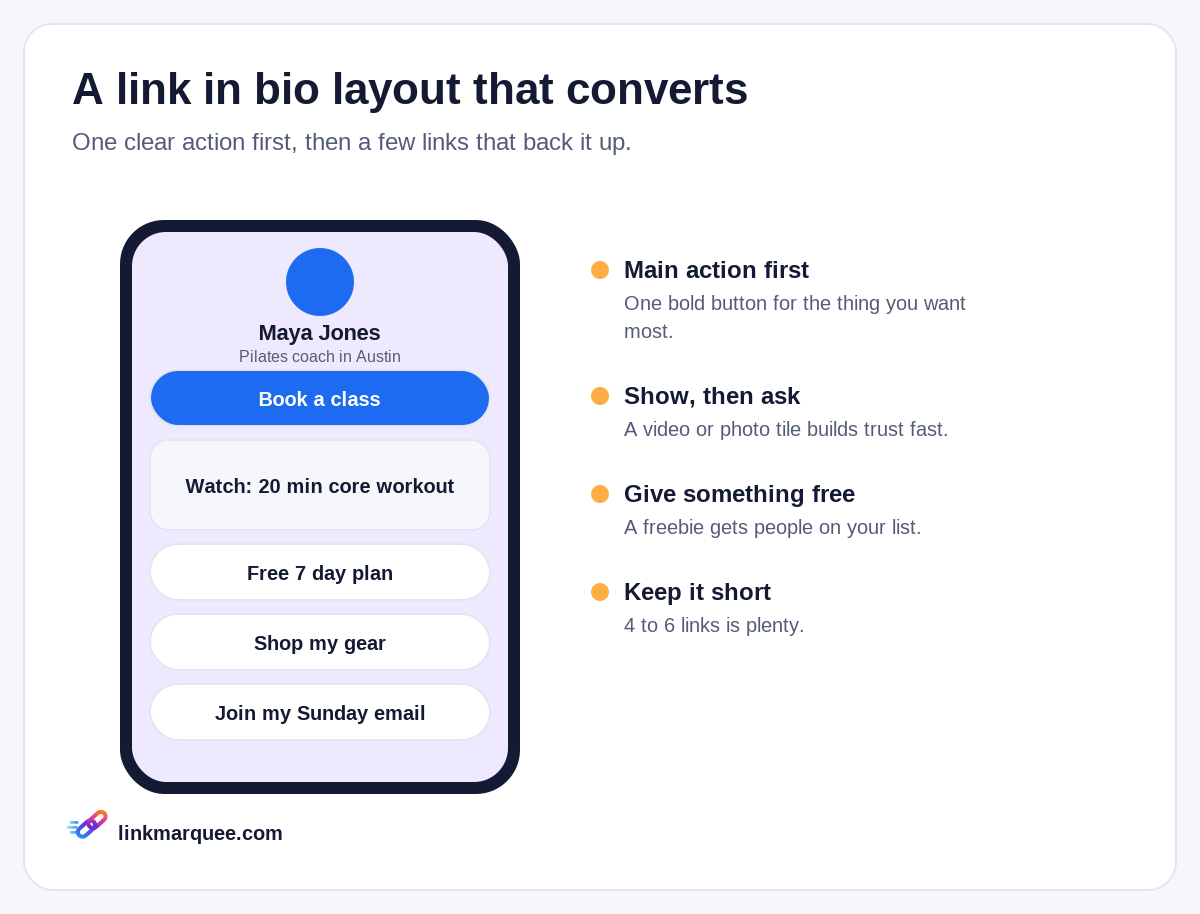
21 link in bio ideas that get more clicks
Not sure what to put in your link in bio? Here are 21 ideas for creators and small businesses, plus a simple layout that turns taps into sales and bookings.
 How-to guides
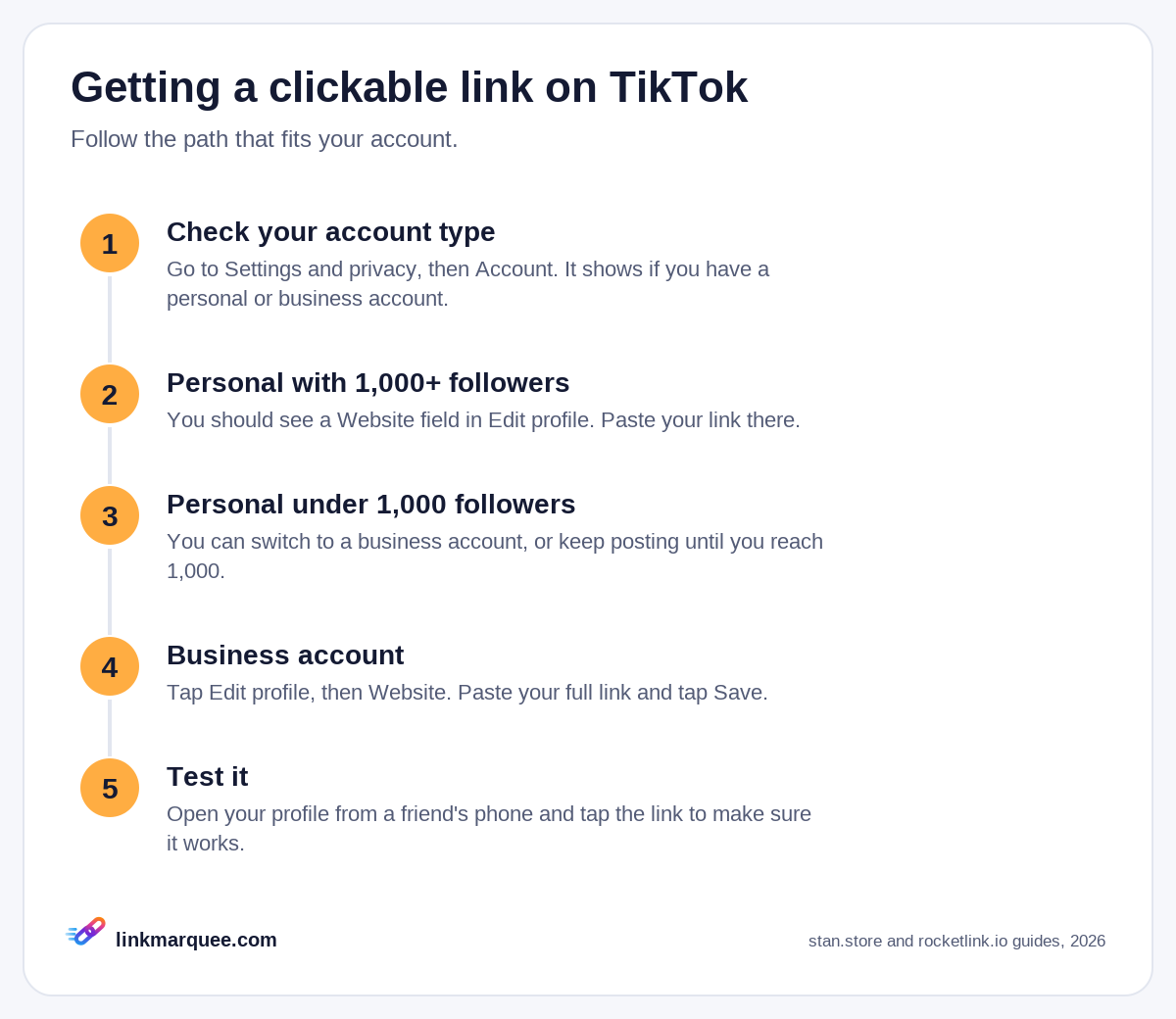
How to add a link to your TikTok bio, even under 1,000 followers
Personal TikTok accounts need 1,000 followers for a bio link. Business accounts do not. Here are the requirements, the steps, and the trade-offs of switching.
 Guides by niche
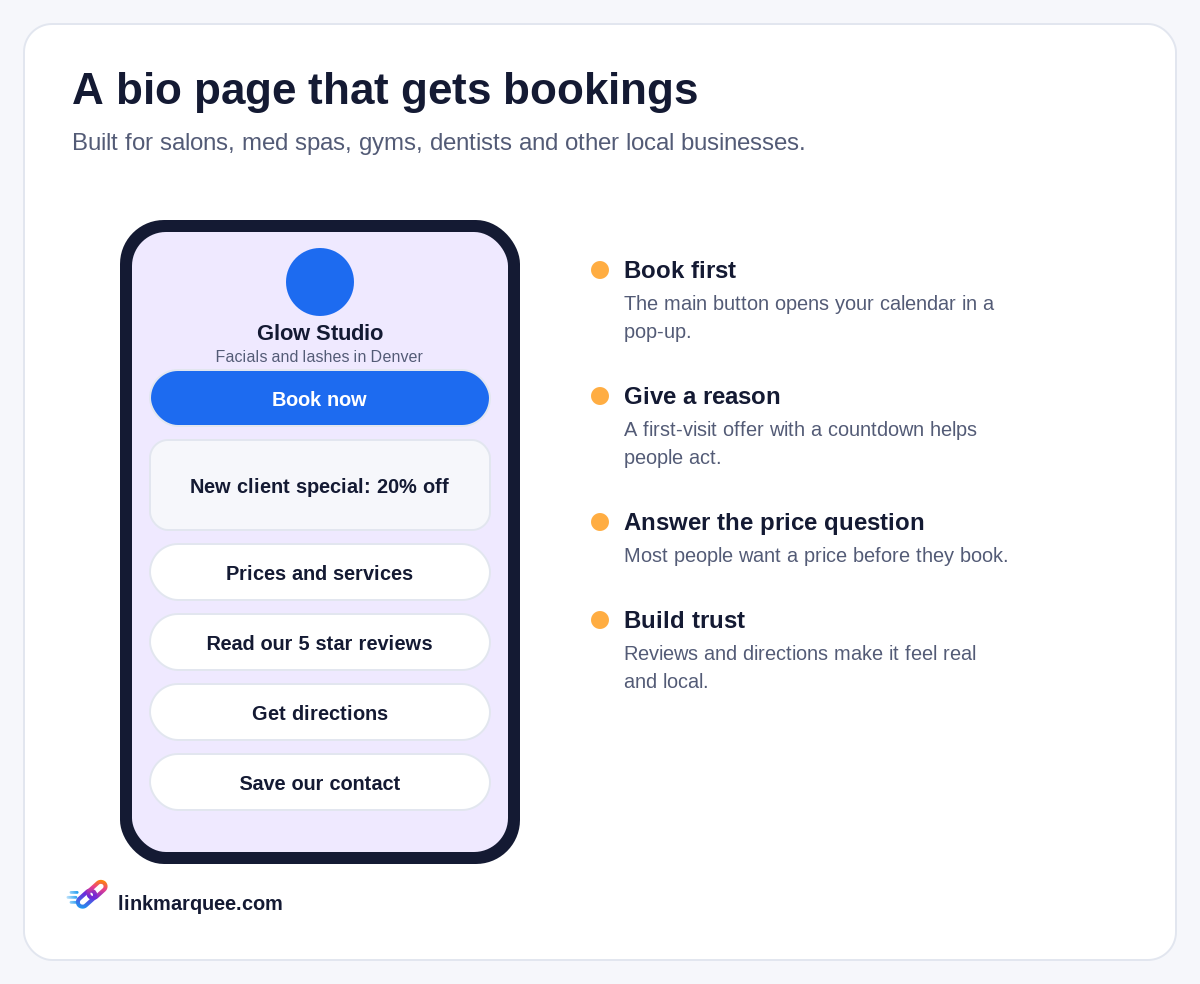
How to add a "Book now" button to Instagram for your business
Salons, med spas, gyms and other local businesses: here are two ways to let people book from Instagram, and a simple page layout that fills your calendar.