How to add a link to your Snapchat profile
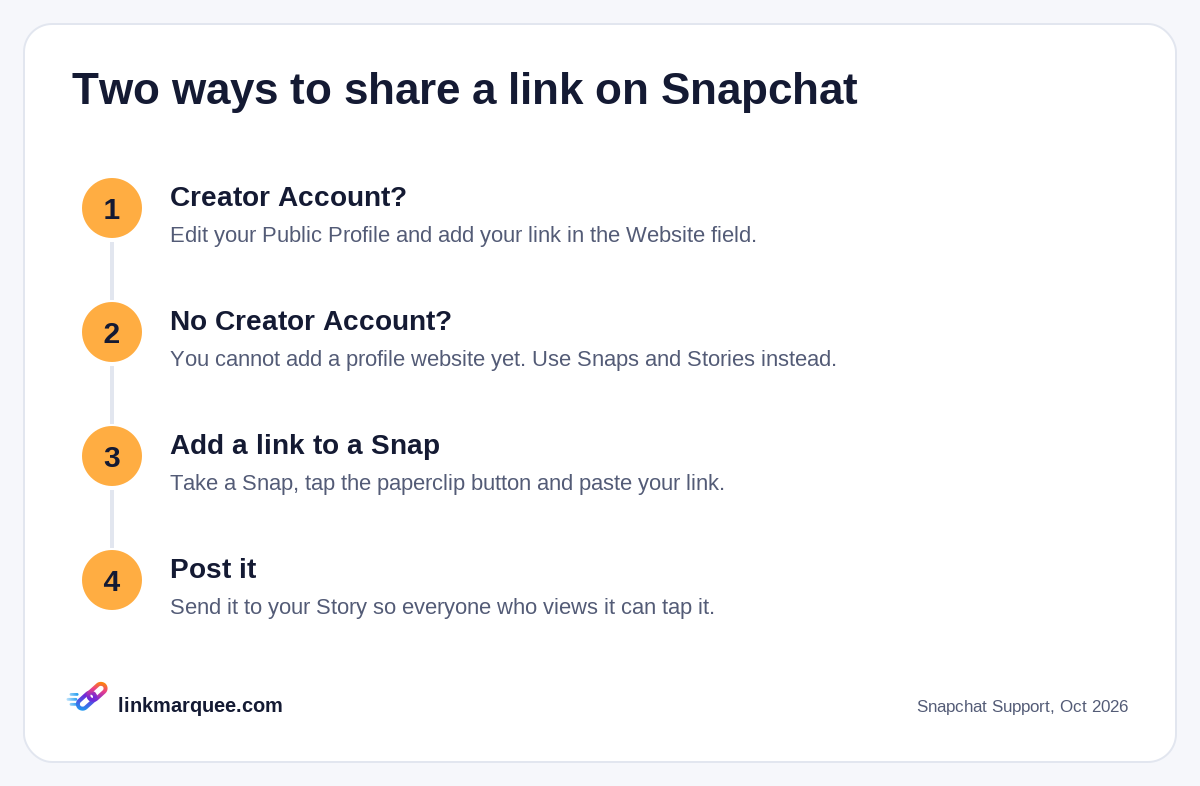
Snapchat's help center says a website on your profile is a Creator Account feature. A standard Public Profile cannot add one. Snapchat upgrades accounts to Creator Accounts itself, once you have a Public Profile, post often to Stories and Spotlight, and have grown an audience. Until then, anyone can share a link by adding it to a Snap or Story with the paperclip button.
Key points
- A website on your Snapchat profile is a Creator Account feature.
- A standard Public Profile cannot add a website.
- Snapchat picks who gets a Creator Account. You cannot just switch it on.
- Anyone can add a link to a Snap or Story with the paperclip button.
Snapchat has changed its link rules more than once, and a lot of guides online are out of date. Here is what Snapchat's own help center says right now.
Who can add a website to a Snapchat profile?
Snapchat's feature list shows that a standard Public Profile can add a photo, bio, description and location, but not a website. Adding a website and public email is a Creator Account feature.
You cannot just turn on a Creator Account. Snapchat upgrades accounts itself. To be eligible, Snapchat says you need:
- A Public Profile
- To post often to your Stories and Spotlight
- A growing audience
- Your Story set to Everyone
Snapchat is also testing Professional Accounts for some users 18 and older. It is not available to everyone yet.
How to add a website if you have a Creator Account
- Tap your Bitmoji or name to open your profile.
- Open your Public Profile and tap to edit it.
- Find Website and paste your full link.
- Save your changes.
How anyone can share a link on Snapchat
Take a Snap, tap the paperclip button and paste your link. Post it to your Story. Anyone who views it can tap to open the link. This works on every account.
What to link on Snapchat
Snapchat moves fast, so link to one page that always has your newest stuff. A link page lets you change what is there without posting a new Snap. You can also share it as a QR code on other apps with our free QR code maker.
Make one link that holds everything
Free forever, with unlimited links, videos, tips, bookings and email signups. Put it in every profile.
Claim your linkCommon questions
Why can I not add a link to my Snapchat profile?
Snapchat's help center lists the profile website as a Creator Account feature. A standard Public Profile does not get it.
How do I get a Snapchat Creator Account?
Snapchat upgrades accounts itself. You need a Public Profile, regular posts to Stories and Spotlight, a growing audience and your Story set to Everyone.
How do I add a link to a Snapchat Story?
Take a Snap, tap the paperclip button, paste your link and post it to your Story.
Keep reading
 How-to guides
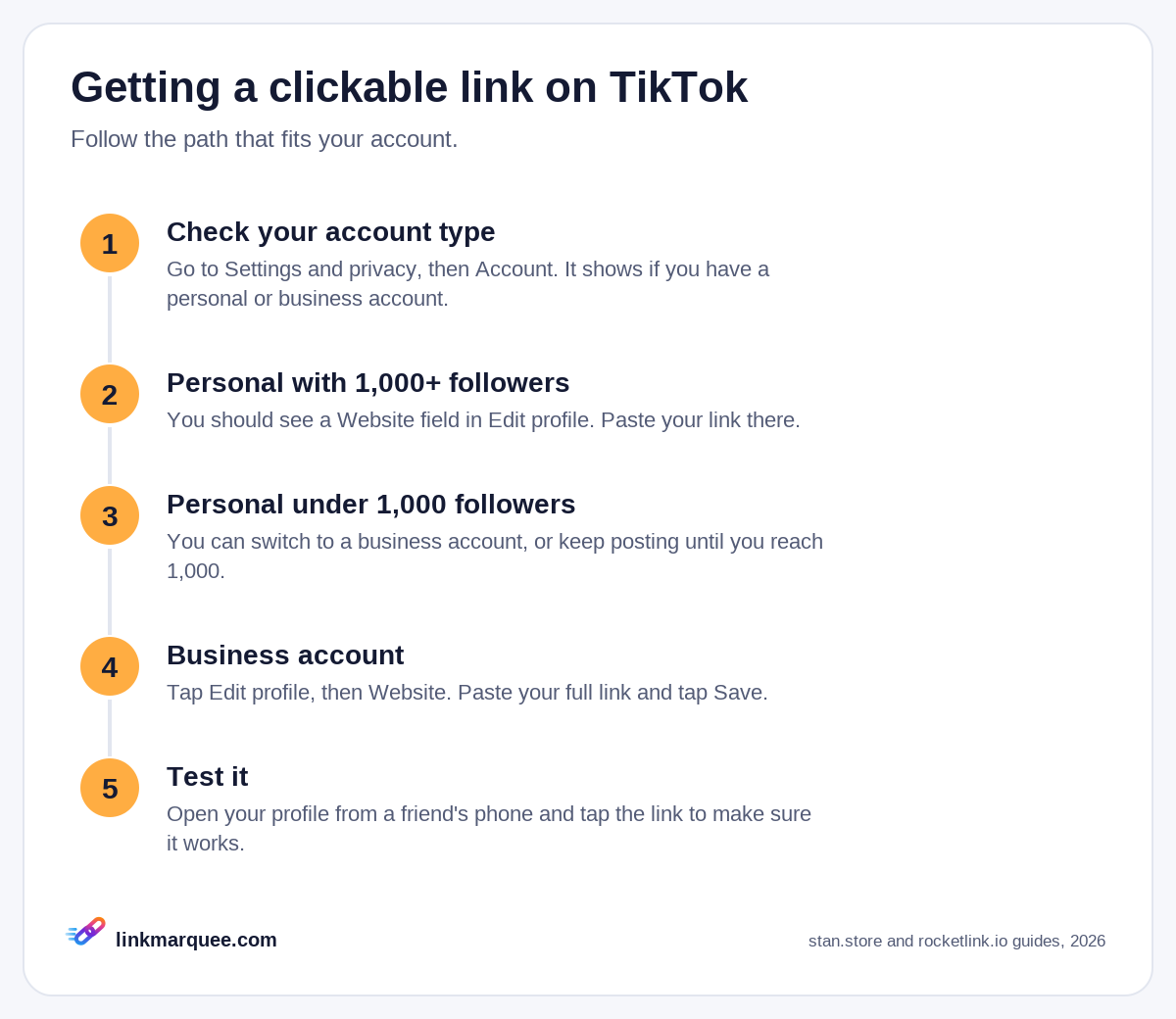
How to add a link to your TikTok bio, even under 1,000 followers
Personal TikTok accounts need 1,000 followers for a bio link. Business accounts do not. Here are the requirements, the steps, and the trade-offs of switching.
 How-to guides
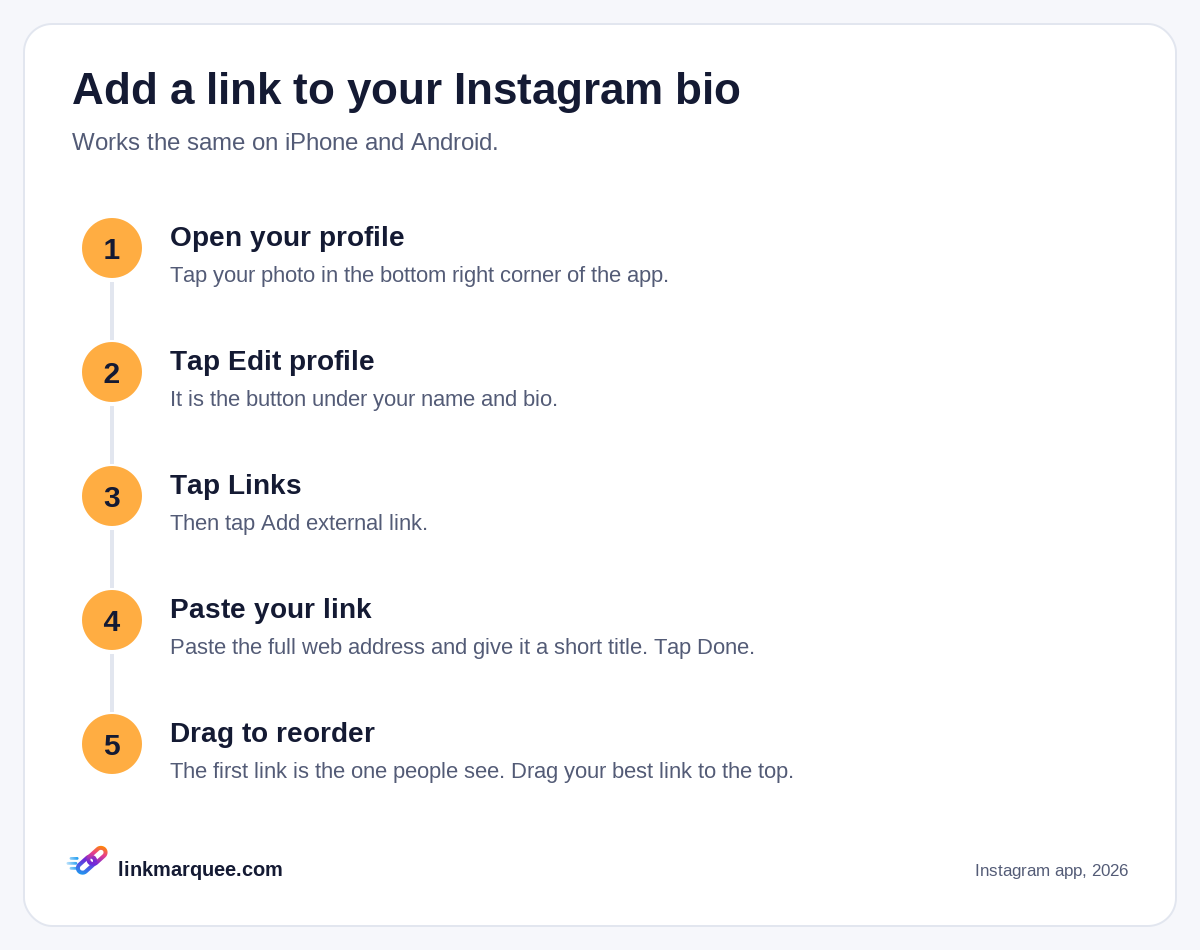
How to add multiple links to your Instagram bio
Instagram lets you add up to 5 links to your bio. Here are the exact steps, why only the first link shows, and how one link page gives you room for everything.
 How-to guides
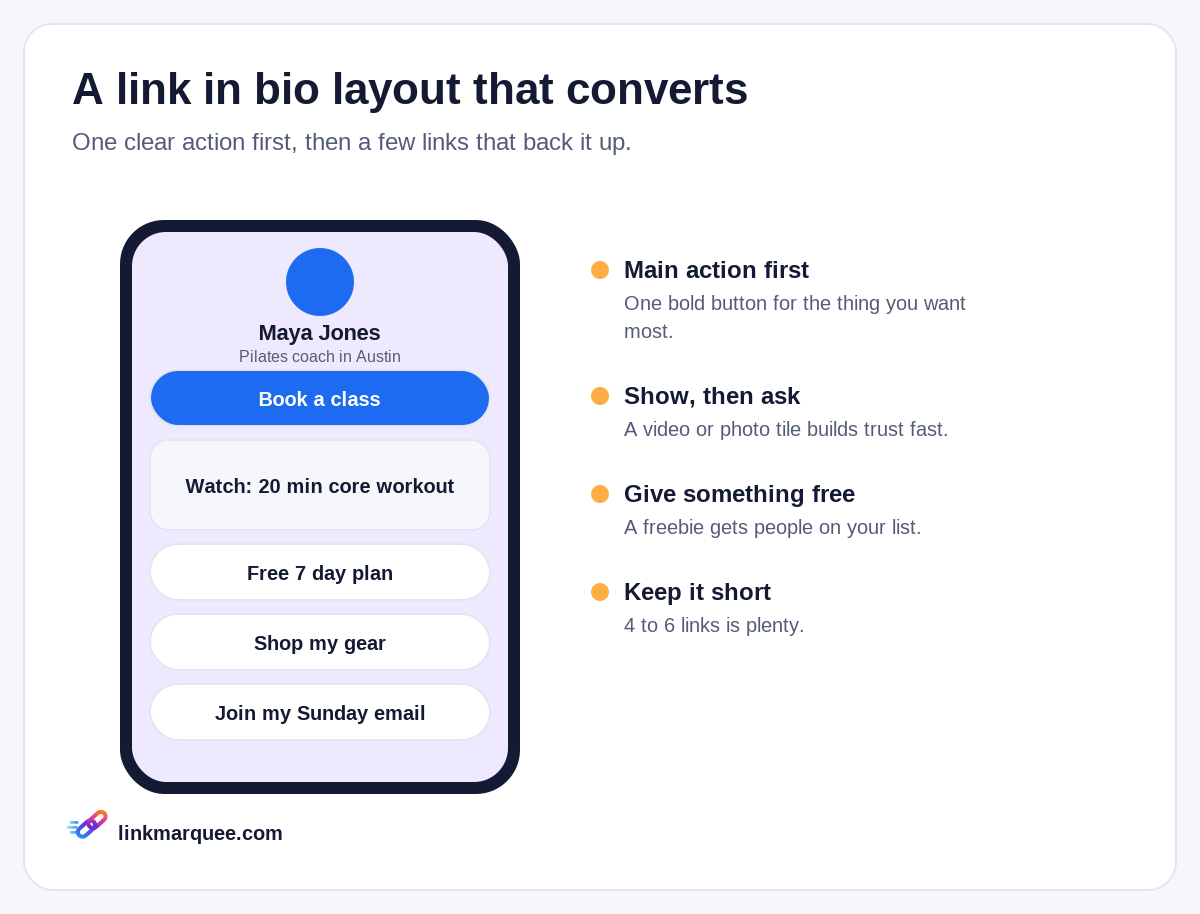
21 link in bio ideas that get more clicks
Not sure what to put in your link in bio? Here are 21 ideas for creators and small businesses, plus a simple layout that turns taps into sales and bookings.