How to add and claim your website on Pinterest
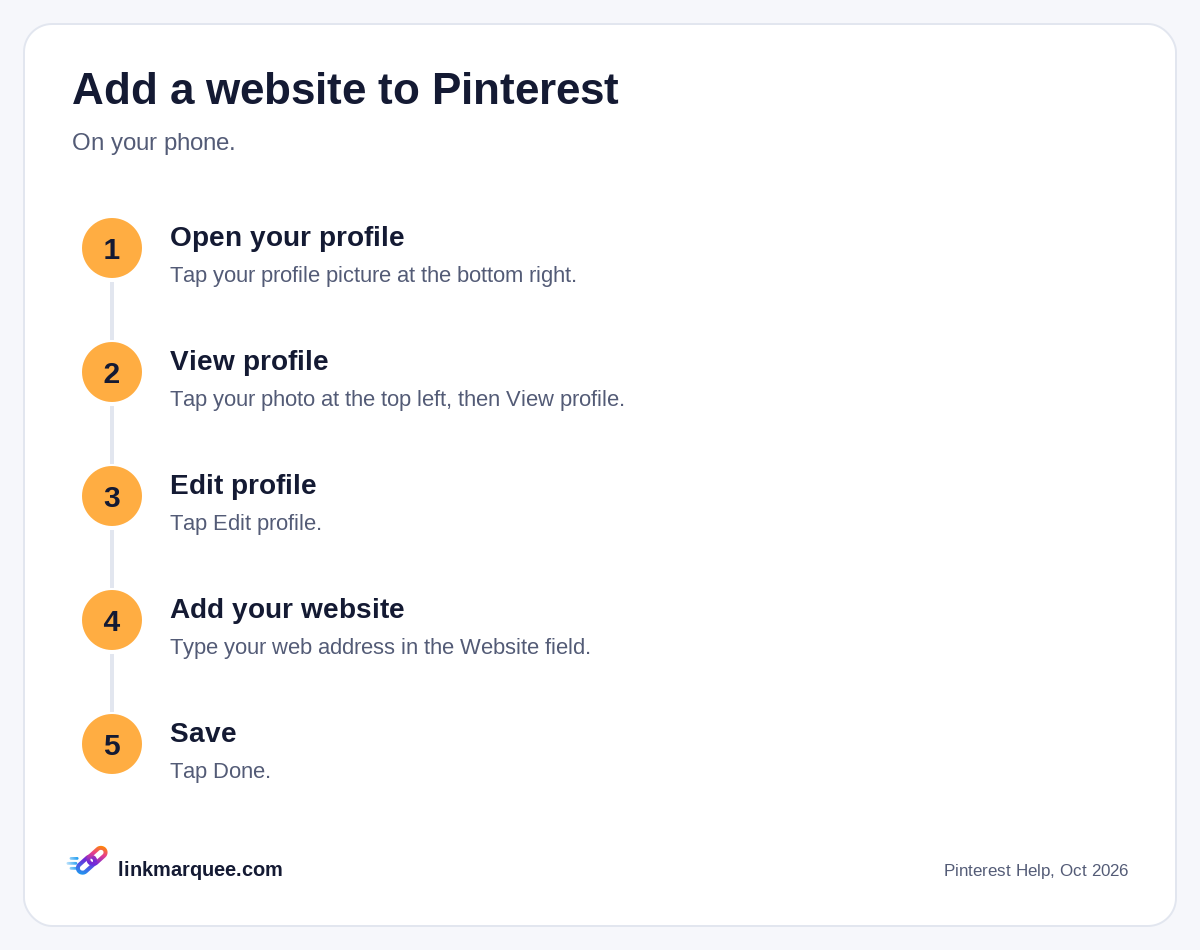
On your phone, go to your profile, tap Edit profile and enter your web address under Website. On a computer, open Settings, then Edit profile, and fill in Website. You do not need a business account to add a link. Claiming your website is a separate step that unlocks stats and shows your profile picture on Pins from your site.
Key points
- Anyone can add a website to their Pinterest profile.
- Claiming a website unlocks stats and puts your picture on Pins from your site.
- You must own the domain to claim it. Social profiles and marketplace shops usually cannot be claimed.
- Only one Pinterest account can claim a website.
Pinterest sends a lot of traffic to websites, because people save Pins and come back later. Adding your link takes a minute. Claiming it takes a little longer but gives you more.
How to add a website on your phone
How to add a website on a computer
- Click the more options button at the bottom left.
- Choose Settings, then Edit profile.
- Type your web address in Website.
- Click Save.
You do not need a business account to add a website.
How to claim your website on Pinterest
Claiming tells Pinterest you own the site. It gives you website stats and shows your profile picture on Pins from your site.
- Go to Settings, then Claimed accounts.
- Click Claim next to Websites.
- Pick a way to prove you own it: an HTML tag, an HTML file upload or a DNS record.
- Follow the steps and submit. DNS checks can take up to 72 hours.
Pinterest says you must own the domain and be able to edit its code. Social profiles and marketplace shops like Etsy or Amazon usually cannot be claimed. Only one Pinterest account can claim a site.
Which link should you add?
If you have a website you own, use it and claim it. If you mostly sell on other sites or post on many apps, a link page can hold all of it in one place.
Make one link that holds everything
Free forever, with unlimited links, videos, tips, bookings and email signups. Put it in every profile.
Claim your linkCommon questions
Do I need a Pinterest business account to add a website?
No. Any account can add a website. A business account is recommended if you want to claim it, but Pinterest says it is not required.
Can I claim my Etsy or Instagram on Pinterest?
Usually not. Pinterest says social profiles and marketplace shops generally cannot be claimed.
How long does claiming a website take?
An HTML tag or file is usually quick. A DNS record can take up to 72 hours.
Keep reading
 How-to guides
How to add links to your Threads bio
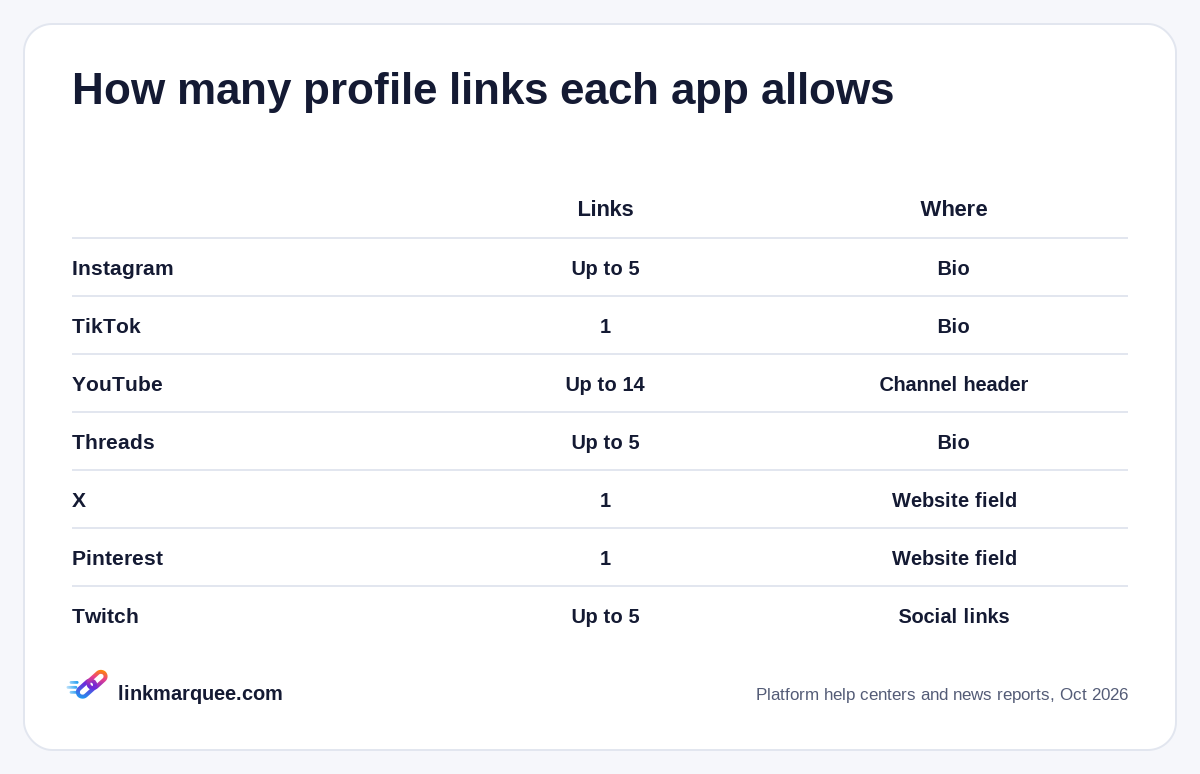
Threads now lets you add up to 5 links to your profile and see how many people tap them. Here is how to add them and what to link.
 How-to guides
How to sell digital downloads from your bio, without a store
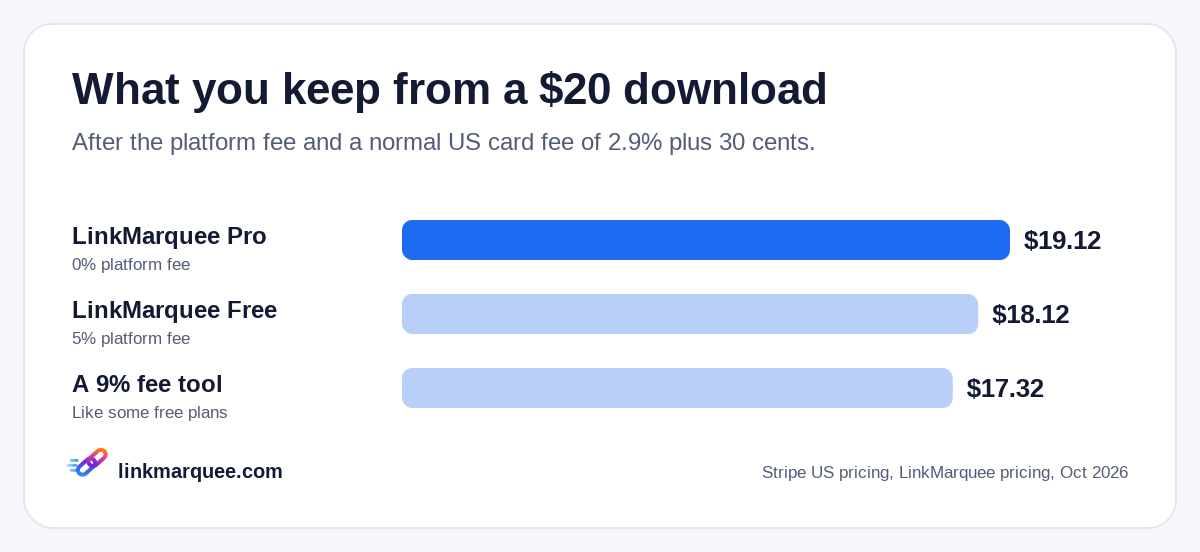
Sell presets, guides and templates straight from your Instagram or TikTok bio. See the steps, what you keep from each sale, and how to price your first product.
 How-to guides
21 link in bio ideas that get more clicks
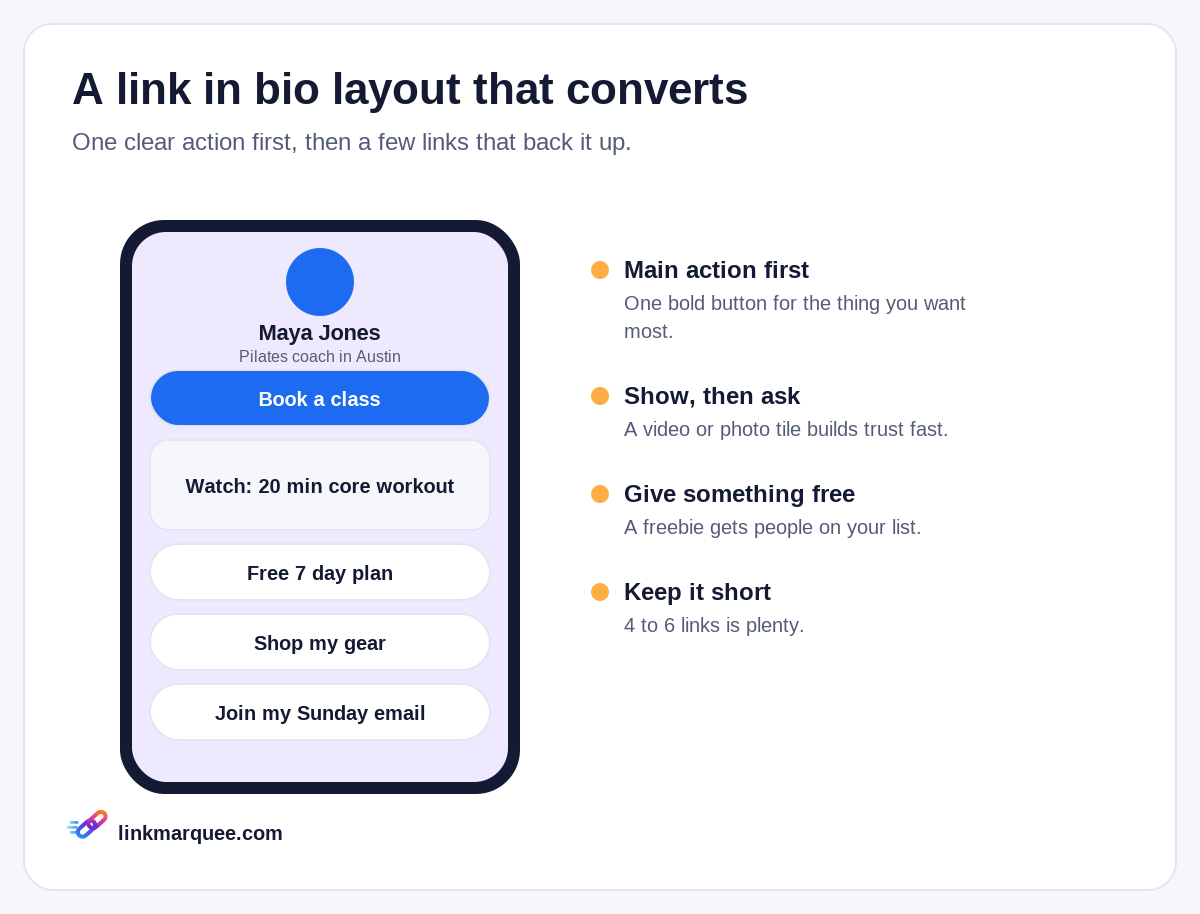
Not sure what to put in your link in bio? Here are 21 ideas for creators and small businesses, plus a simple layout that turns taps into sales and bookings.