How to share affiliate links in your bio
Make one link in bio page, add each affiliate product as a button with a clear name, and put a short disclosure near the top, like "I earn from qualifying purchases." Then put that page link in your Instagram, TikTok and YouTube profiles and point your posts to it. Amazon says to tell your audience any time you share an affiliate link.
Key points
- Use one link page for all your affiliate links instead of changing your bio link every day.
- Name each button after the product, like "My ring light", not "Click here".
- Add a clear disclosure near your links. Amazon Associates must say "As an Amazon Associate I earn from qualifying purchases."
- Group links by topic so people find things fast.
- Some programs, like Amazon, also give you a storefront page you can link to.
Affiliate links let you earn a small commission when someone buys a product you recommend. The problem is that most apps give you only one or a few bio links. Here is how to share all your affiliate links from your bio and stay on the right side of the rules.
Why use a link page for affiliate links?
If you swap your bio link every time you post, older posts point to the wrong product. A link page fixes that. Every product you recommend lives on one page, so every post can say "linked in my bio" and still work months later.
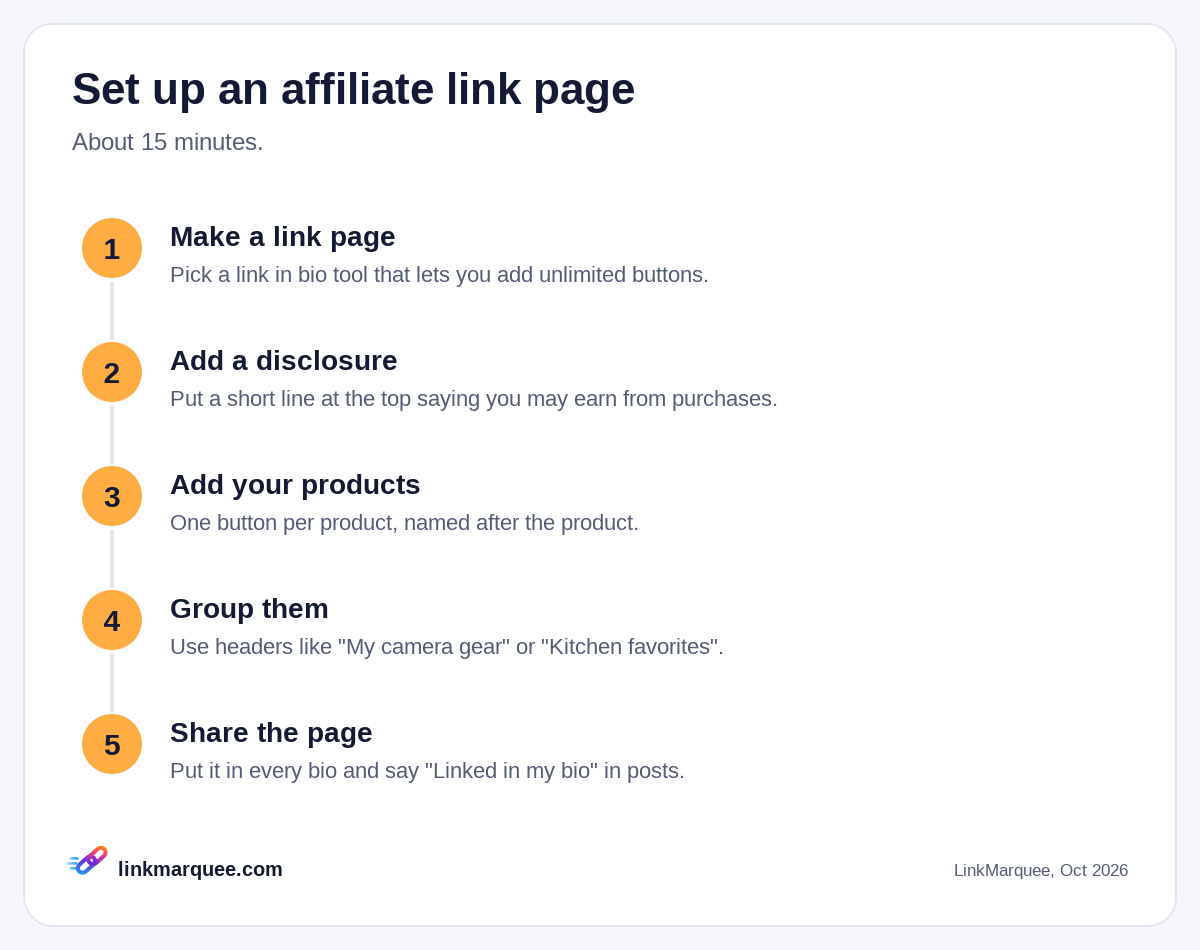
How to add affiliate links to your link in bio
- Make a link page. Choose a tool that lets you add as many buttons as you need.
- Add a disclosure near the top. A short line under your name works well.
- Add one button per product. Use the product name, like "My ring light" or "The blender I use every day".
- Group your links. Add headers like "Camera gear", "Skincare" or "Kitchen".
- Put the page in your bio. Add it to Instagram, TikTok, YouTube and Threads.
Do I have to disclose affiliate links?
Yes. Amazon's help pages say to disclose any time you include an affiliate link, and that your audience will trust you more when you are open about it. In the US, the FTC also expects a clear disclosure near the link.
If you are in Amazon Associates, use their required line: "As an Amazon Associate I earn from qualifying purchases." For other programs, a plain line like "I may earn a commission from links on this page" is clear and simple.
In posts and videos, say it too. A quick "This is an affiliate link" or #ad at the start of a caption is easy to see.
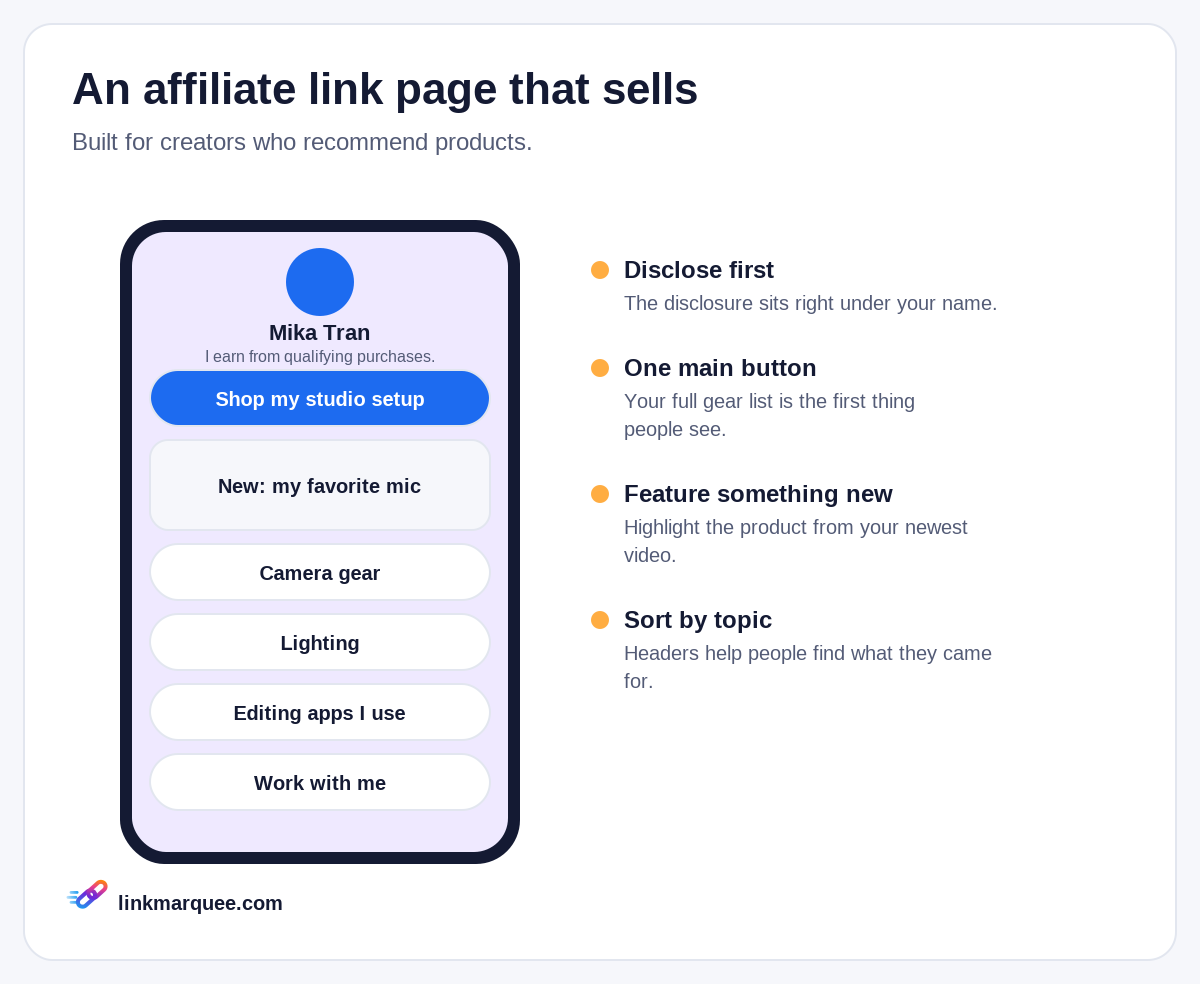
What should go on an affiliate link page?
- Your full setup: the gear, apps or products you use every day.
- Your newest pick: feature the product from your latest video at the top.
- Gift guides: "Gifts under $25" pages do great in November and December.
- Your storefront: if a program gives you a storefront page, like an Amazon storefront, add it as one button.
- A way to reach you: brands may find you here, so add a "Work with me" button.
Tips to earn more from affiliate links
- Only recommend things you use. Trust is what makes people buy.
- Show it in action. A 10 second clip of you using a product sells better than a photo.
- Update seasonal links. Swap in gift guides and seasonal gear so the page stays fresh.
- Check your stats. See which buttons get tapped and move the best ones up.
Common mistakes
- Hiding the disclosure at the bottom of the page.
- Buttons that just say "Link 1" or "Shop".
- Dead links to products that are sold out.
- Too many links with no order. Group them.
Make your affiliate link page free
Unlimited buttons, headers and a featured product spot. Free forever. See which links get tapped.
Claim your linkCommon questions
Can I put Amazon affiliate links in my Instagram bio?
Yes. Amazon suggests using your bio link to point followers to your recommendations. Many creators link to one page that holds all their products.
What disclosure do I need for Amazon affiliate links?
Amazon Associates must include the line "As an Amazon Associate I earn from qualifying purchases." Put it near your links.
How many affiliate links should I have on my page?
As many as you need, but group them by topic and put your best sellers at the top.
Can I make money from my link page in other ways?
Yes. You can add a tip jar, sell digital downloads, or join the LinkMarquee partner program and earn 25% when friends sign up.
Keep reading
 How-to guides
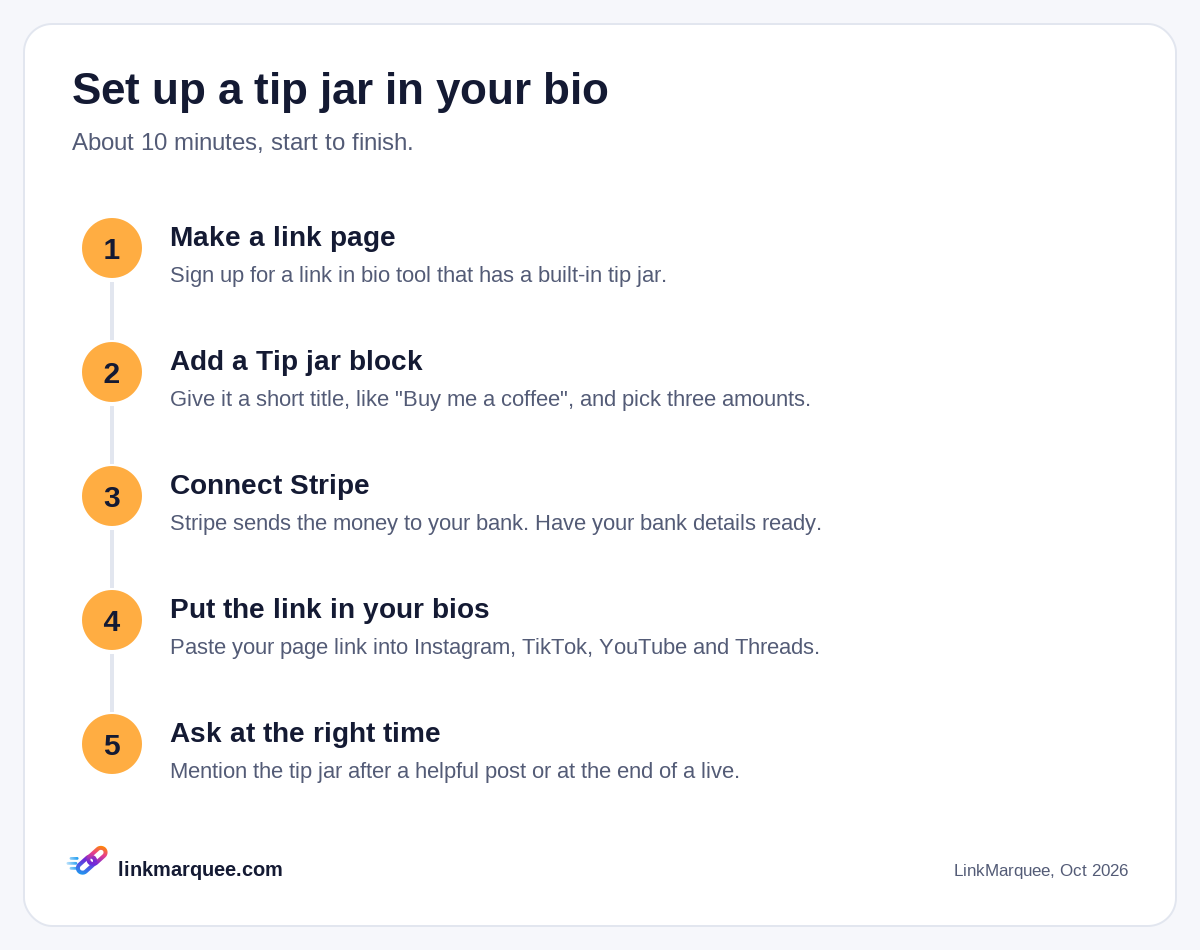
How to add a tip jar to your link in bio
A tip jar in your bio lets fans pay you in two taps with a card, Apple Pay or Google Pay. Here is how to set one up and get more people to tip.
 How-to guides
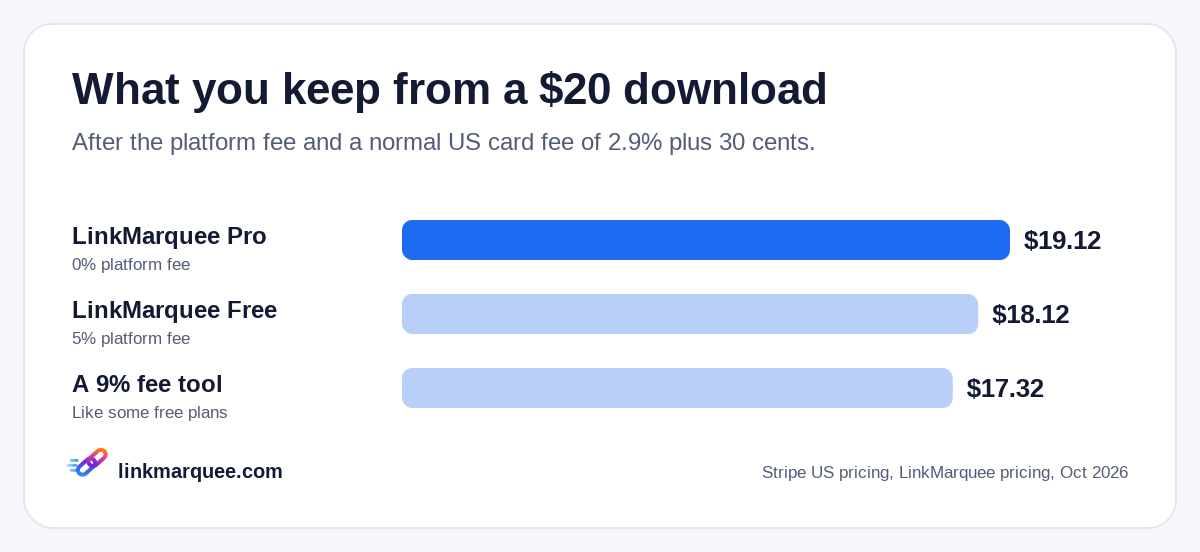
How to sell digital downloads from your bio, without a store
Sell presets, guides and templates straight from your Instagram or TikTok bio. See the steps, what you keep from each sale, and how to price your first product.
 How-to guides
21 link in bio ideas that get more clicks
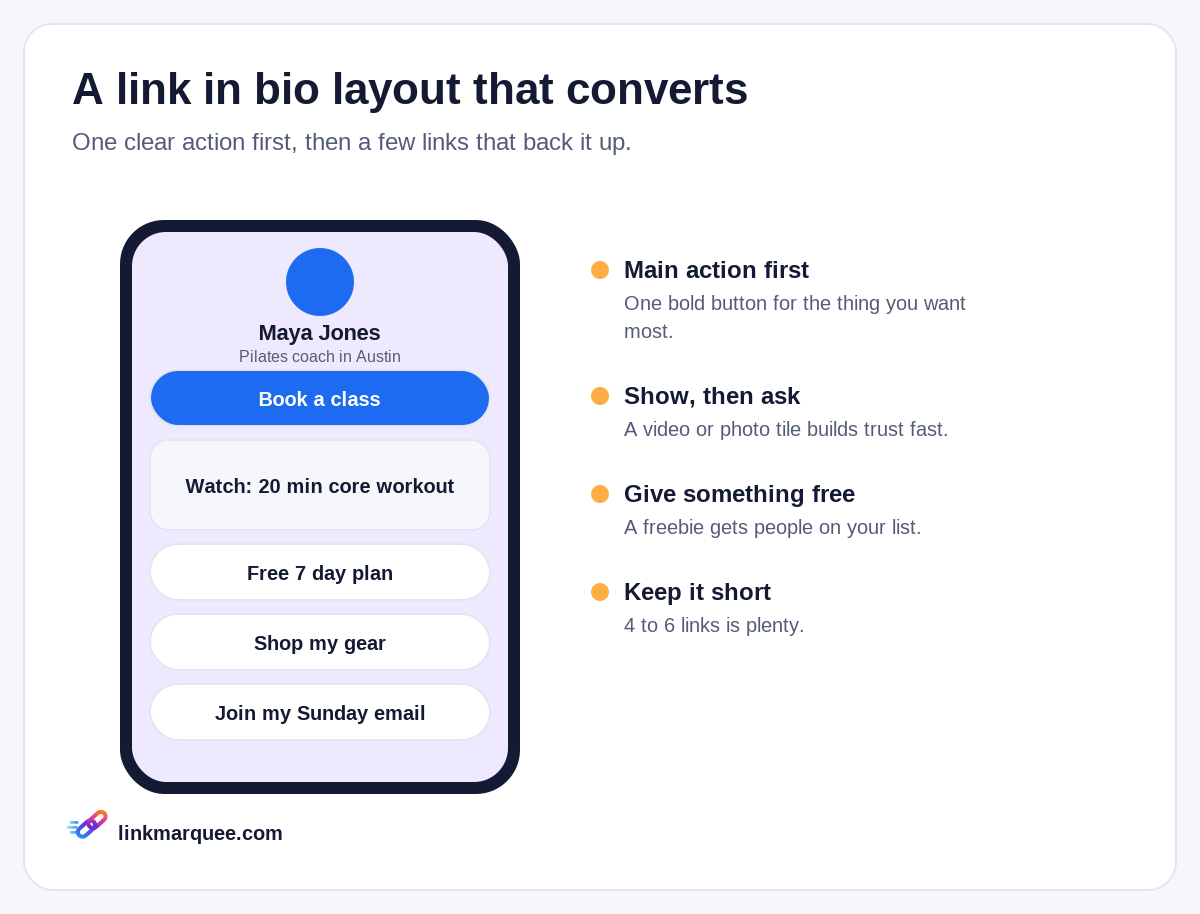
Not sure what to put in your link in bio? Here are 21 ideas for creators and small businesses, plus a simple layout that turns taps into sales and bookings.