How to add a tip jar to your link in bio
Make a link in bio page, add a Tip jar block with three set amounts like $3, $5 and $10, and connect a Stripe account so the money goes to your bank. Then put that page link in your Instagram, TikTok and YouTube profiles. Fans tap your link, pick an amount and pay with a card, Apple Pay or Google Pay. No app or account is needed on their side.
Key points
- A tip jar on your link page works on every app, not just one.
- Fans can pay with a card, Apple Pay or Google Pay without making an account.
- Three set amounts, like $3, $5 and $10, make it easy to say yes.
- Card fees apply to every tip. Some link tools also keep a cut, so check before you pick one.
- Ask for tips at the right moment, like after a helpful post or a live stream.
A tip jar is the simplest way to let fans say thanks with money. You do not need a store, a product or a big following. You just need one link that makes paying you easy.
What is a virtual tip jar?
A virtual tip jar is a button on a web page where people can send you a small amount of money. It works like the jar on a coffee shop counter. Fans pick an amount, pay with a card or their phone, and the money goes to your bank.
When the tip jar sits on your link in bio page, every app you use points to it. That matters because each app has its own rules for tipping. Some only let big accounts turn tips on. Some only work during live streams. A tip jar on your own link page works for everyone, on every app, right away.
How to add a tip jar to your bio
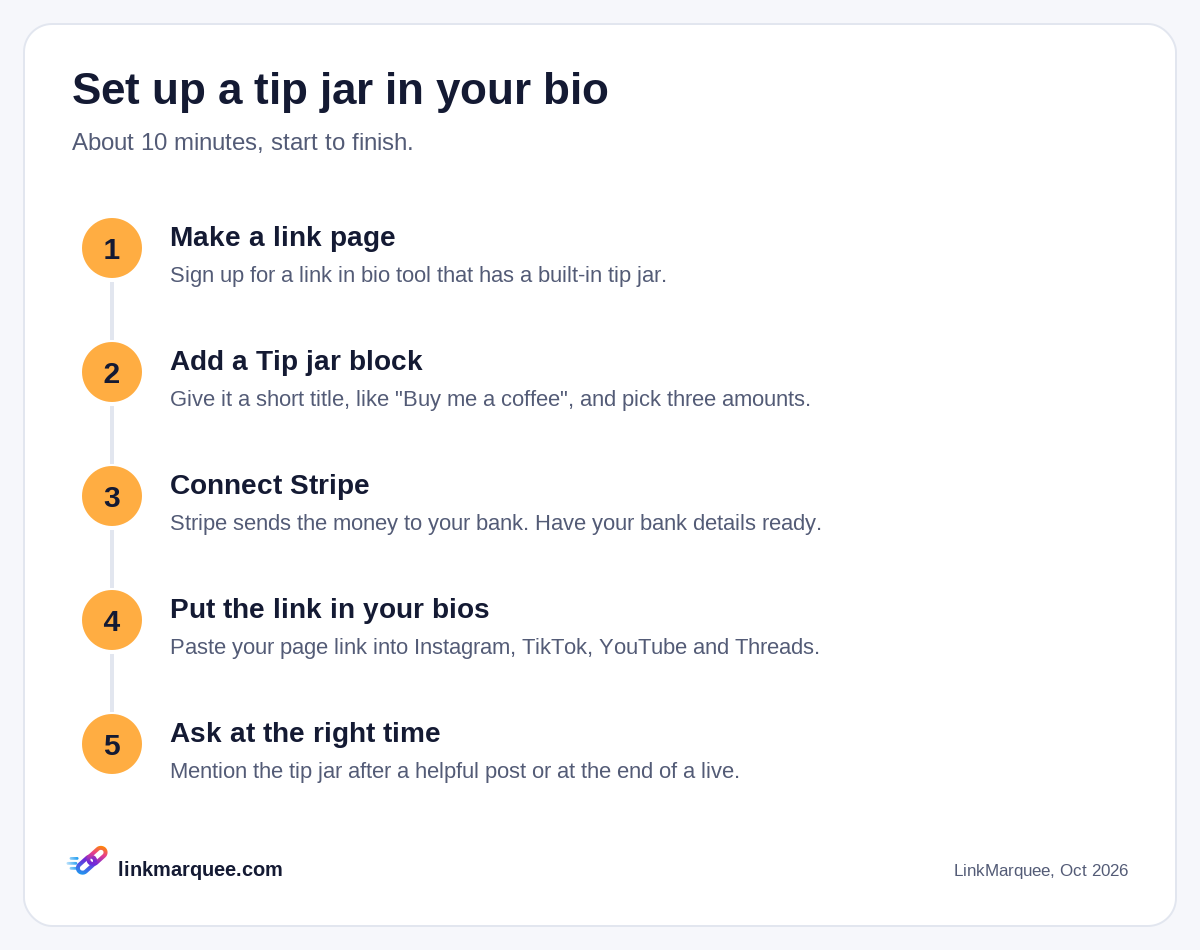
- Make a link page. Pick a link in bio tool with a built-in tip jar so fans never leave your page.
- Add a Tip jar block. Give it a friendly title like "Buy me a coffee" or "Support the show". Pick three amounts.
- Connect Stripe. Stripe handles the cards and sends the money to your bank. You need your bank details and an ID.
- Add the link to your profiles. Paste your page link into your Instagram bio, TikTok bio, YouTube channel links and Threads profile.
- Test it. Send yourself a $1 tip so you know it works.
On LinkMarquee, the Tip jar block comes with $3, $5 and $10 as the starting amounts, plus a box where fans can type their own number. You can change all of them.
How much do tip jars cost?
Every tip has a card fee. In the US, Stripe's standard fee is 2.9% plus 30 cents. Some link tools also keep a share of each tip, often between 5% and 12% on free plans.
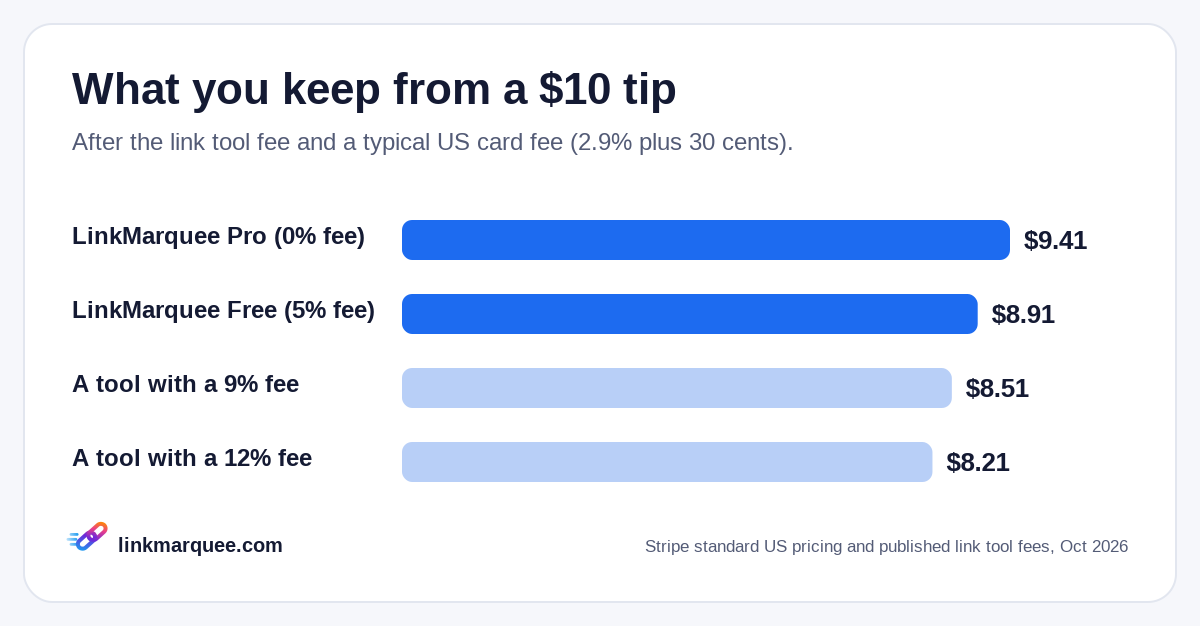
That is why the 30 cents matters too. On a $1 tip, the card fee alone eats about a third of it. Set your smallest amount at $3 or more so you keep most of each tip.
Can I accept tips without Venmo or Cash App?
Yes. A tip jar on your link page takes cards, Apple Pay and Google Pay. Fans do not need an app or an account.
That is good news, because personal Venmo and Cash App accounts are made for paying friends. Their terms limit using personal accounts for business, and asking strangers for your username also shares more about you than you may want.
How to get more people to tip
- Say what the tip pays for. "Tips help me buy new gear for the show" works better than "Tip me".
- Ask at the right moment. Right after a helpful tutorial, a big win on stream or a funny post.
- Thank people out loud. A quick shout-out on your next post or live gets others to join in.
- Keep it near the top. Put the tip jar in your first three buttons so people see it without scrolling.
- Pin a post about it. One pinned post that says "Want to support me? Link in bio" reminds new followers.
Tip jar ideas by type of creator
- Streamers: "Fuel the next stream" with a link in your stream panels.
- Musicians: "Tip the band" next to your new song.
- Artists: "Buy me paint" under your newest piece.
- Teachers and coaches: "Say thanks for the free lesson" after a how-to video.
Add a tip jar to your bio for free
LinkMarquee has a built-in tip jar on every plan. Connect Stripe and start taking tips today. Pro keeps 0% of your tips.
Claim your linkCommon questions
How do I add a tip jar to my Instagram bio?
Make a link in bio page with a Tip jar block, connect Stripe, then paste the page link into the Website field of your Instagram profile.
Do fans need an account to tip me?
No. They can pay with a card, Apple Pay or Google Pay right on your page.
What is a good amount for a tip jar?
Three set amounts like $3, $5 and $10 work well. Keep the smallest amount at $3 or more so card fees do not eat most of it.
Are tips taxable?
In the US, tips you get for your work are usually counted as income. Talk to a tax pro about your own situation.
Keep reading
 How-to guides
How to sell digital downloads from your bio, without a store
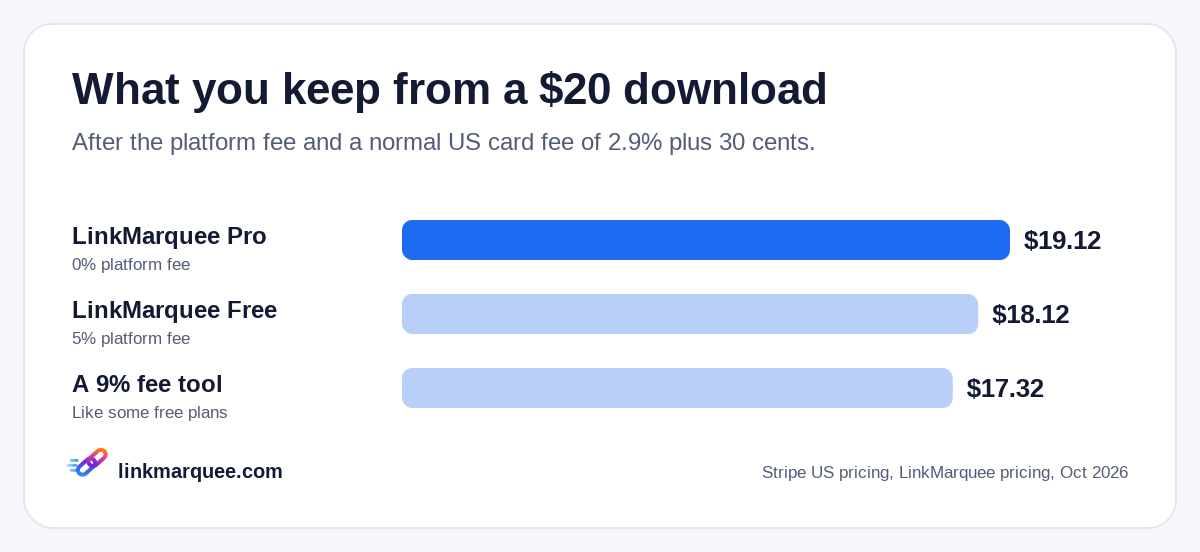
Sell presets, guides and templates straight from your Instagram or TikTok bio. See the steps, what you keep from each sale, and how to price your first product.
 How-to guides
21 link in bio ideas that get more clicks
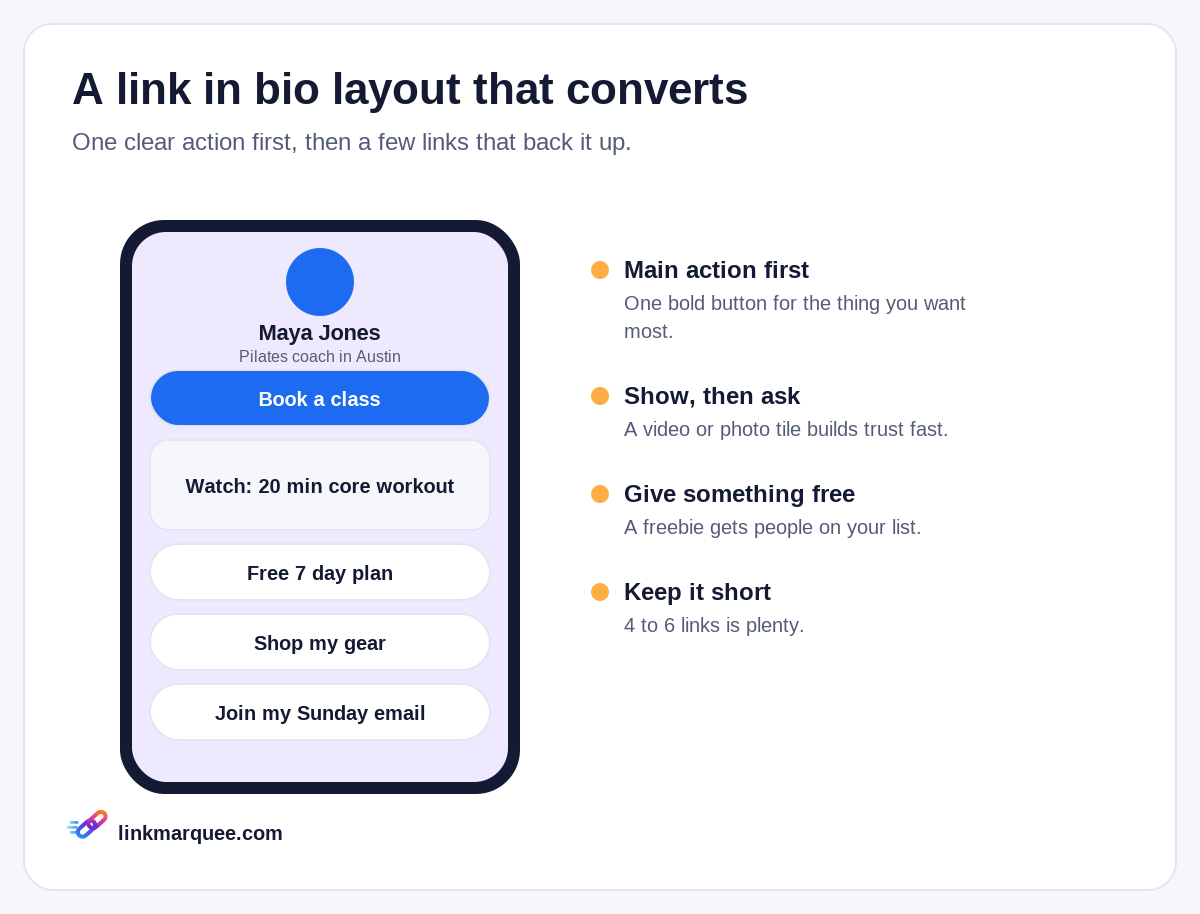
Not sure what to put in your link in bio? Here are 21 ideas for creators and small businesses, plus a simple layout that turns taps into sales and bookings.
 How-to guides
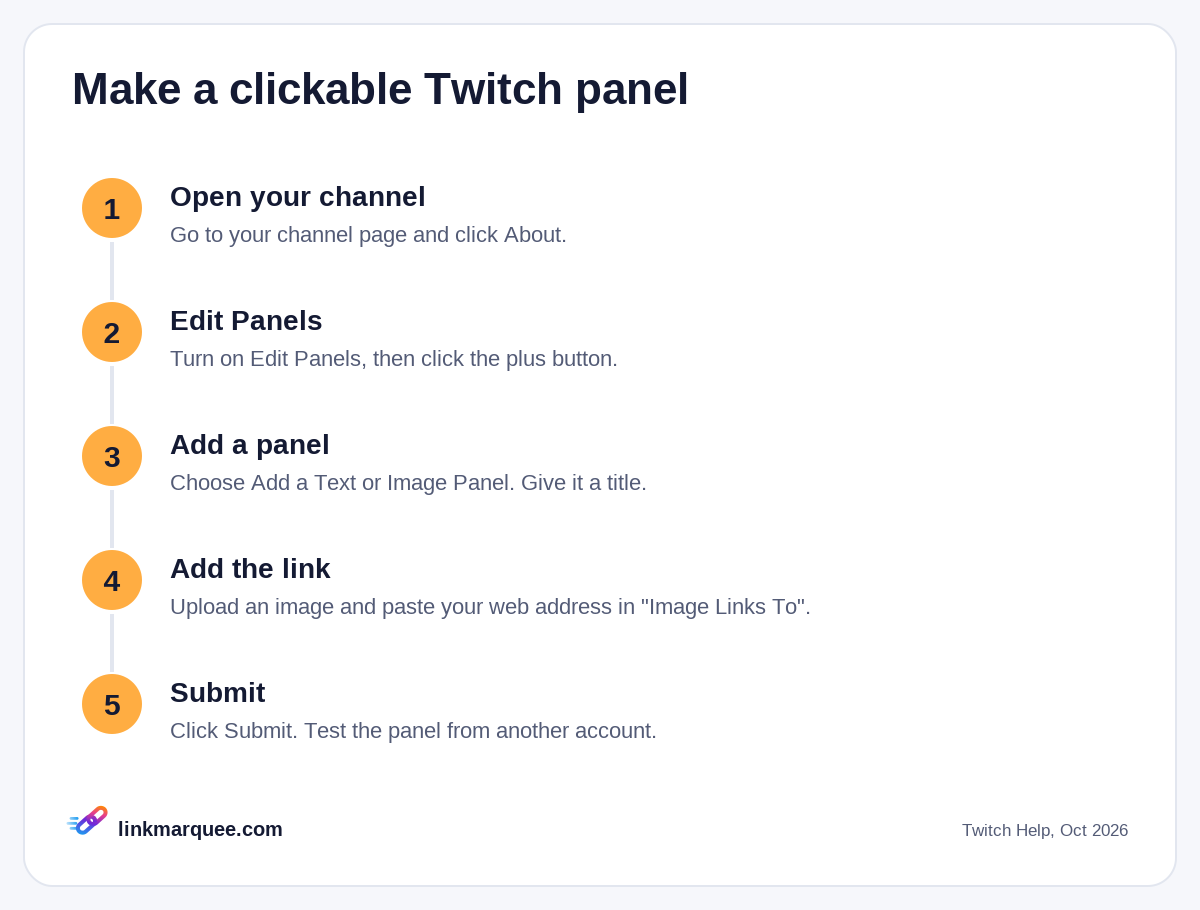
How to add links to your Twitch profile and panels
Add social links to your Twitch channel and make clickable panels under your stream. Simple steps for streamers, plus what to link.