How marketing agencies manage link in bio pages for every client
Use one account with a page for each client, so you are not juggling a dozen logins. Give your team roles so editors only touch the pages they manage. Put each page on the client's own domain, send leads to the client's CRM, and share a simple monthly report. On LinkMarquee Agency, that works out to about $1.96 per client page each month.
Key points
- One account for all clients beats one login per client.
- Team roles keep editors on the pages they manage.
- Client domains and no badge keep the page all about the client.
- A monthly report shows clients the value of the work.
If you run a marketing agency, you probably manage social media for a lot of clients. And every one of them needs a link in bio. Most agencies end up with a messy pile of logins, passwords and pages that nobody updates.
Here is a simple way to manage link in bio pages for every client from one place.
The problem with one login per client
When each client has their own account somewhere:
- You lose time logging in and out.
- Passwords get shared in emails and chats.
- When someone leaves your team, you have to change every password.
- Pages fall out of date because nobody owns them.
A better workflow for agencies
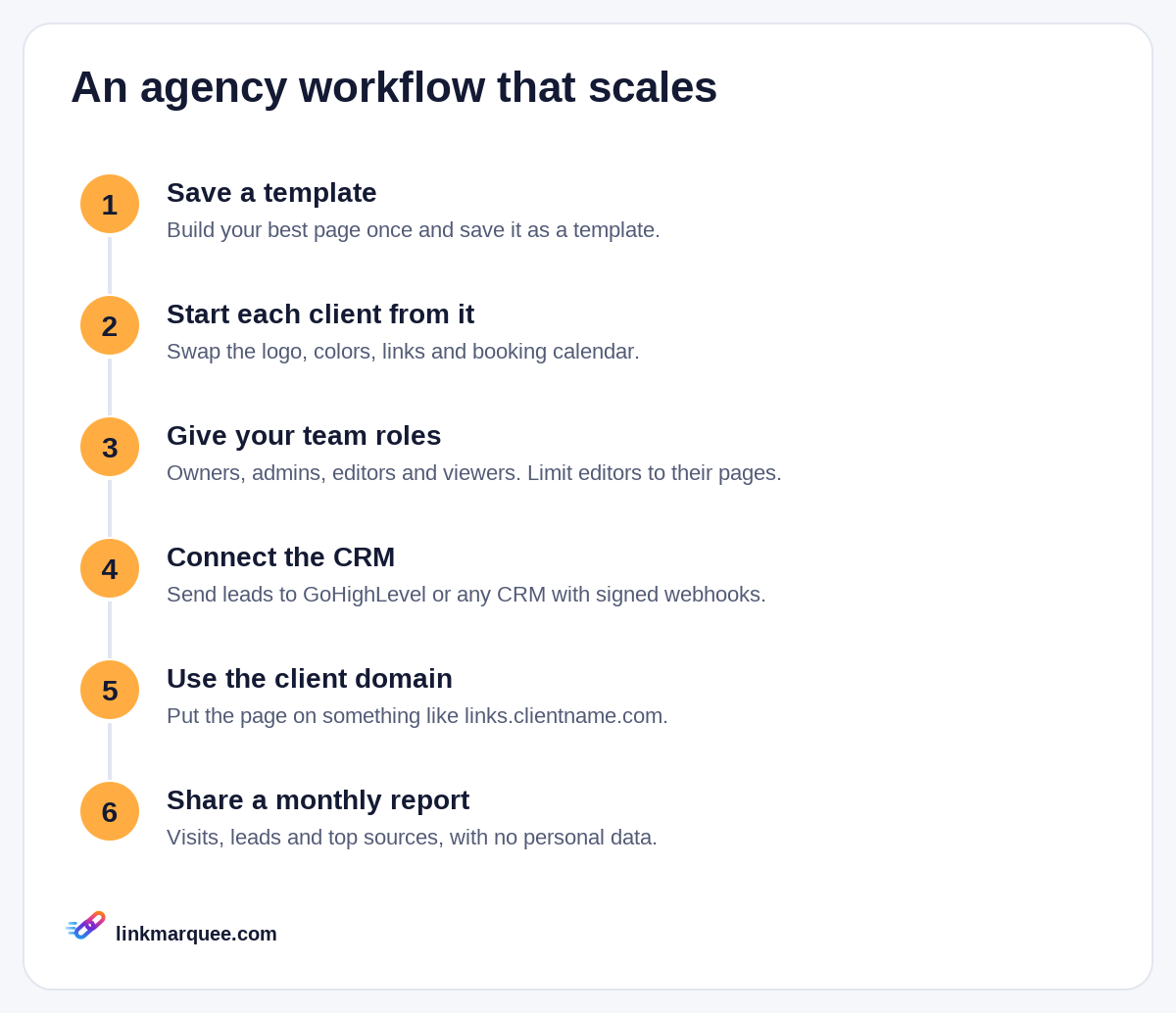
Save a template once
Build your best page for a niche, like med spas or roofers. Save it as a template. Every new client in that niche starts from it.
Give your team the right access
Use roles. Owners and admins see everything. Editors can be limited to just the pages they manage. Viewers can look but not change anything. When someone leaves, you remove them in one place.
Send leads to the client's CRM
Leads from booking, quote and quiz forms can go to the client's inbox and to their CRM. LinkMarquee sends leads in the field format GoHighLevel workflows expect, or you can use signed webhooks for any other CRM or Zapier.
Use the client's own domain
Put each page on the client's web address, like links.clientname.com. SSL is free. Paid plans hide the LinkMarquee badge, so the page is all about your client.
Share a monthly report
Clients want to see results. A report link shows visits, leads and top traffic sources for the month. It shows counts only, with no personal data, so it is safe to share.
What it costs per client
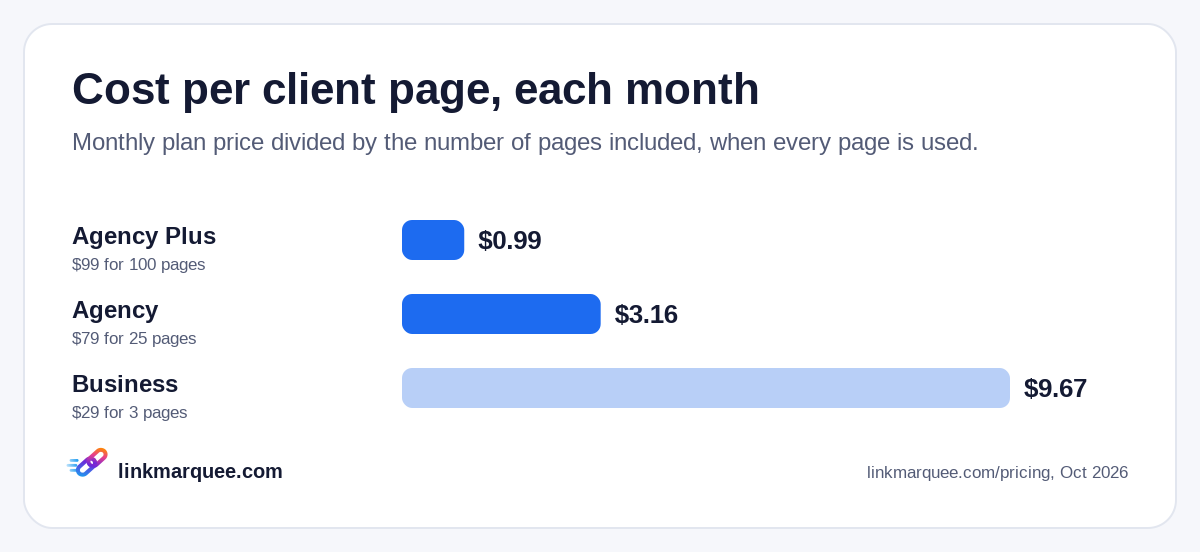
| Plan | Price | Pages | Team seats | Client domains |
|---|---|---|---|---|
| Business | $29 a month | 3 | 2 | 1 |
| Agency | $79 a month | 25 | 5 | 10 |
| Agency Plus | $99 a month | 100 | 20 | 50 |
Paid yearly, you get 2 months free. Every plan starts with a 14 day free trial.
How to price link in bio work for clients
Many agencies bundle the link page into a monthly social media or ads package. Others charge a small setup fee plus a monthly fee for updates and reports. Either way, the page should pay for itself with the leads it brings in.
Run every client page from one account
Try the Agency plan free for 14 days. Team roles, client domains, reports and CRM webhooks included.
Claim your linkCommon questions
Can an agency manage many link in bio pages from one account?
Yes. LinkMarquee Agency includes 25 pages and Agency Plus includes 100, all from one account with team roles.
Does LinkMarquee work with GoHighLevel?
Yes. Leads can be sent in the field format GoHighLevel workflows expect, and GoHighLevel calendars open in a booking pop-up.
Can I put client pages on their own domain?
Yes. Agency includes 10 custom domains and Agency Plus includes 50, with free SSL.
Can I hide the LinkMarquee branding on client pages?
Yes. Paid plans hide the LinkMarquee badge.
Keep reading
 Guides by niche
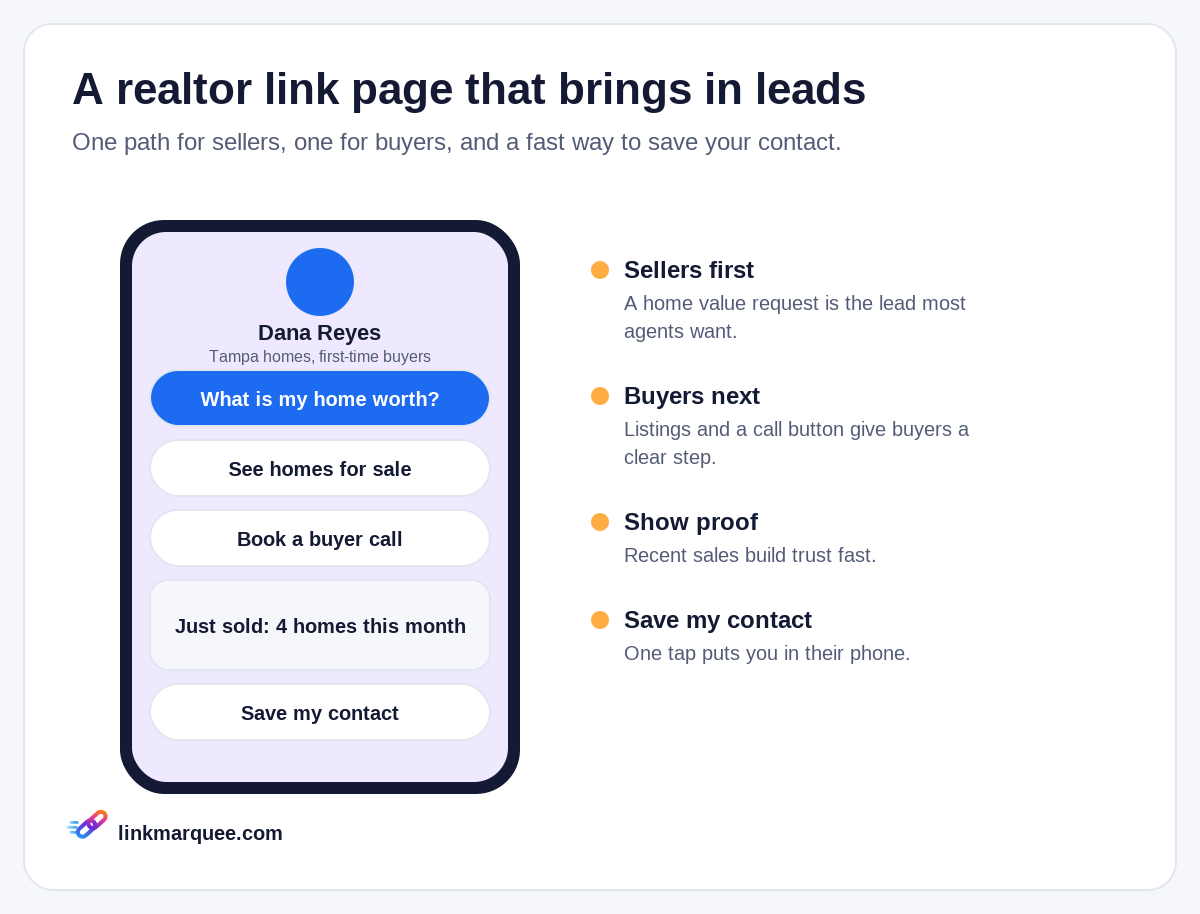
Instagram bio ideas for realtors that bring in real leads
Real estate agents: here is what to write in your Instagram bio, what to put in your link, and how to get buyer and seller leads sent straight to your CRM.
 Guides by niche
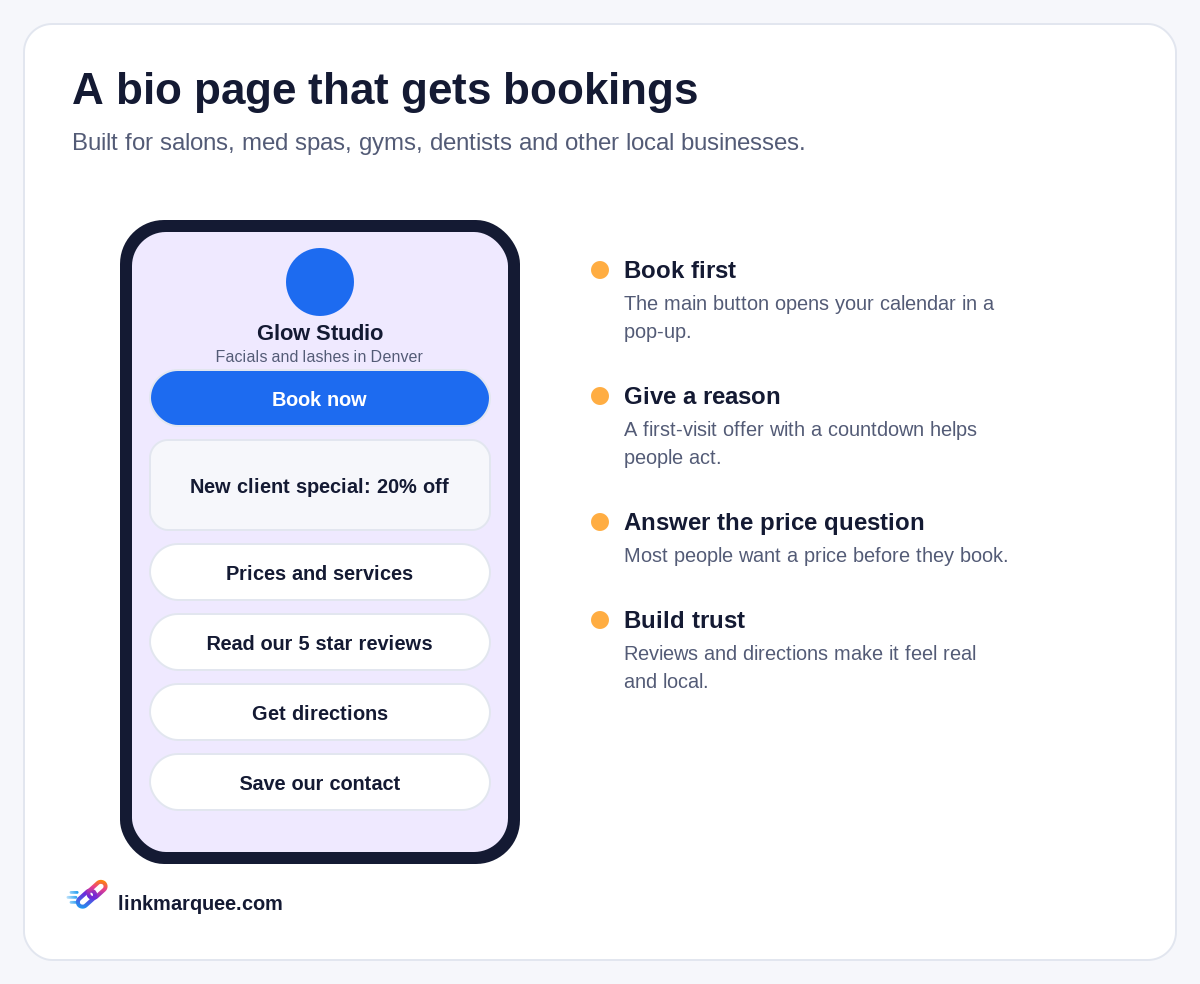
How to add a "Book now" button to Instagram for your business
Salons, med spas, gyms and other local businesses: here are two ways to let people book from Instagram, and a simple page layout that fills your calendar.
 Comparisons
The best Linktree alternatives in 2026 (free and paid)
We compared Linktree, Beacons, Stan Store, Carrd, Later and LinkMarquee on price, seller fees and custom domains. See which free Linktree alternative fits you.